

Unverified or incorrectly managed business listings can create problems for brands operating across multiple locations. Google Business Profile verification confirms that a business is eligible and that the person managing its listing is authorised. At Lobaiseo, we focus on keeping business information accurate and verification workflows organised across local businesses, hotel groups, franchises, and dealer networks.
How Does Google Business Profile Verification Work?
Google Business Profile verification is the process Google uses to confirm that a business is genuine and that the person requesting access can represent it. The available Google Business Profile verification methods depend on the business type, public information, region, and operating hours. Google assigns the available options, which may include video recording, live video calls, phone, SMS, email, or postcard verification. Some businesses may need more than one method. Read Google’s official verification instructions.
Before starting GBP verification, check your business name, address, phone number, website, and category against your actual business details. Use this GBP checklist to prepare the information. For video verification, Google requires a live, continuous recording of at least 30 seconds, uploaded through a mobile device. The video should establish your location, business operations, and authority to manage the profile. Google’s video review can take up to five business days. See Google’s video verification requirements.
Google Business Profile verification methods compared
| Method | What the Business Needs |
| Video recording | Live video showing business evidence |
| Live video call | Access to the premises and an authorised representative |
| Phone or SMS | Access to the listed business phone number |
| Access to the email address offered by Google | |
| Postcard | Correct business mailing address and verification code |
Understanding bulk verification for multiple locations
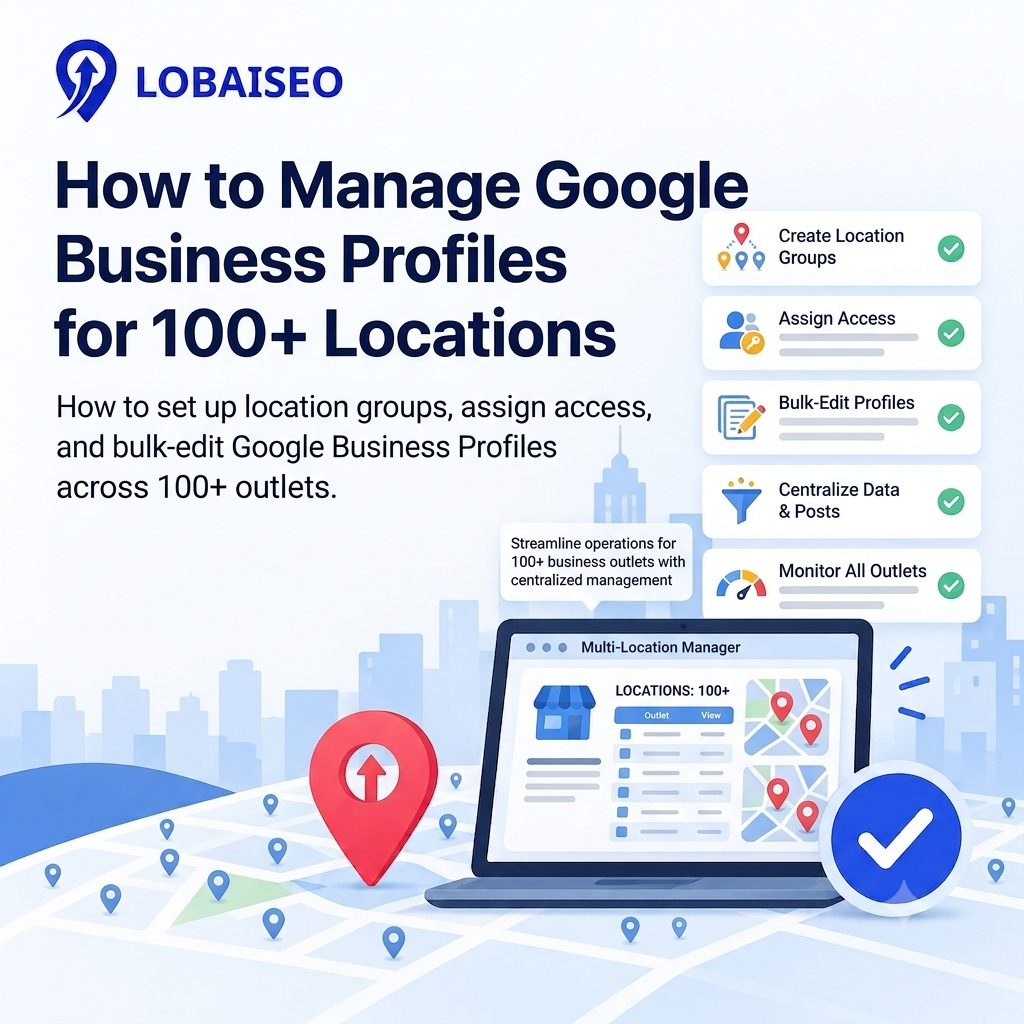
Businesses with 10 or more eligible locations of the same business may qualify for Google’s bulk verification process. However, the 10-location requirement alone does not guarantee approval. Google requires all managed locations to be included, and duplicate, suspended, or disabled profiles do not count towards the minimum. Agencies cannot combine unrelated client businesses to meet the requirement. Service-area businesses without customer-facing locations also face restrictions. Read Google’s bulk verification requirements.
For a franchise or dealer network, we recommend maintaining a central GBP checklist with each location’s address, contact information, ownership, and verification status. This makes it easier to identify missing information before submitting a request.
Lobaiseo recommendation: Before starting verification, prepare the business information, check profile ownership, and identify the evidence relevant to the business type. This can reduce avoidable mistakes and make the process easier to manage.
What Should You Do When GBP Verification Fails?
When GBP verification issues occur, start by checking the notification displayed in your Business Profile. Google may reject a video if the business name is not visible, the surrounding location is missing, or there is insufficient proof that the person recording is authorised to manage the business. Open the “Review issues” notification, understand the specific reason, and record a new video that includes the missing evidence. Do not simply upload the same recording again. Read Google’s verification troubleshooting instructions.
For postcard verification, confirm that the address is correct before requesting a code. Google says most postcards arrive within 14 days. Avoid changing your business name, address, or category while waiting because these changes can invalidate the code. For bulk verification, check postal codes, phone number formats, missing locations, and spreadsheet errors. Also, distinguish verification failure from profile suspension or an ownership dispute, as each requires a different solution. At Lobaiseo, we recommend tracking these issues location by location instead of treating an entire business network as one verification case. For more practical Google Business Profile guidance, visit our YouTube Shorts channel.
Common GBP verification problems and their solutions
| Verification Problem | Recommended Action |
| Business name not visible | Show permanent business signage where required |
| Location not established | Record street signs, building numbers, or nearby landmarks |
| Insufficient management proof | Show authorised access or relevant business operations |
| Incorrect postcard address | Correct the address and follow Google’s instructions |
| Bulk upload errors | Check postal codes, phone formats, and missing records |
Common Google Business Profile Verification Mistakes to Avoid
Some verification problems happen because businesses overlook basic details before submitting their information. Preparing the profile and supporting evidence carefully can help avoid unnecessary delays.
- Using inconsistent business information: Make sure the business name, address, phone number, and other details accurately reflect the real business. Avoid adding unnecessary keywords to the business name.
- Choosing the wrong business address: The address shown on the profile should follow Google’s guidelines and reflect the actual location where the business operates. Service-area businesses should also understand when their address should be hidden.
- Submitting incomplete video evidence: If Google offers video verification, the recording should demonstrate the business location, its operations, and the person’s authority to manage it, as applicable to the business type. Missing evidence can lead to rejection.
- Creating duplicate profiles: Before creating a new listing, check whether a profile already exists for the location. Duplicate profiles can create confusion and additional management issues.
- Changing important details while waiting for a postcard: If postcard verification is being used, avoid changing the business name, address, or category while waiting for the code, as this may invalidate it.
- Ignoring profile management after verification: Verification is not a substitute for ongoing maintenance. Businesses should continue checking their information, responding to reviews, and keeping their profiles updated.
A consistent preparation process can reduce avoidable errors and make profile management easier, particularly for businesses with multiple locations.
FAQs
Sign in to the Google account linked to your business, find your profile on Google Search or Maps, and select “Get verified”. Follow the verification method Google offers. This may involve a video, phone, SMS, email, live video call, or postcard.
Why is my GBP verification not working?
Common reasons include unclear video evidence, incorrect business information, missing signage, or insufficient proof of management. Check Google’s “Review issues” notification, correct the specific problem, and follow the instructions to verify again.
What verification methods does Google use?
Google may offer video recording, live video calls, phone, SMS, email, or postcard verification. The available options depend on your business and Google’s assessment. Eligible businesses with 10 or more locations of the same business may also qualify for bulk verification.
How long does GBP verification take?
Google says video verification reviews can take up to five business days. Most postcard codes arrive within 14 days. These are method-specific timelines, not a guarantee that every verification request will be completed within those periods.
What happens after GBP verification?
Google sends a confirmation when verification succeeds. You can then manage your business information, respond to customer reviews, and access available Business Profile features. Keep your details accurate and follow Google’s guidelines to maintain your profile.
One thought on “Google Business Profile Verification: Common Methods and Problems”