Wrong phone number, obsolete company address, or unapproved Google company Profile modification might hurt local search results for hundreds of locations. Use a local SEO checker to discover these gaps, double-check business facts, and build a dependable baseline before commencing optimization. We at Lobaiseo see that first check as the beginning of ongoing local search management.
What Should a Local SEO Checker Analyze?
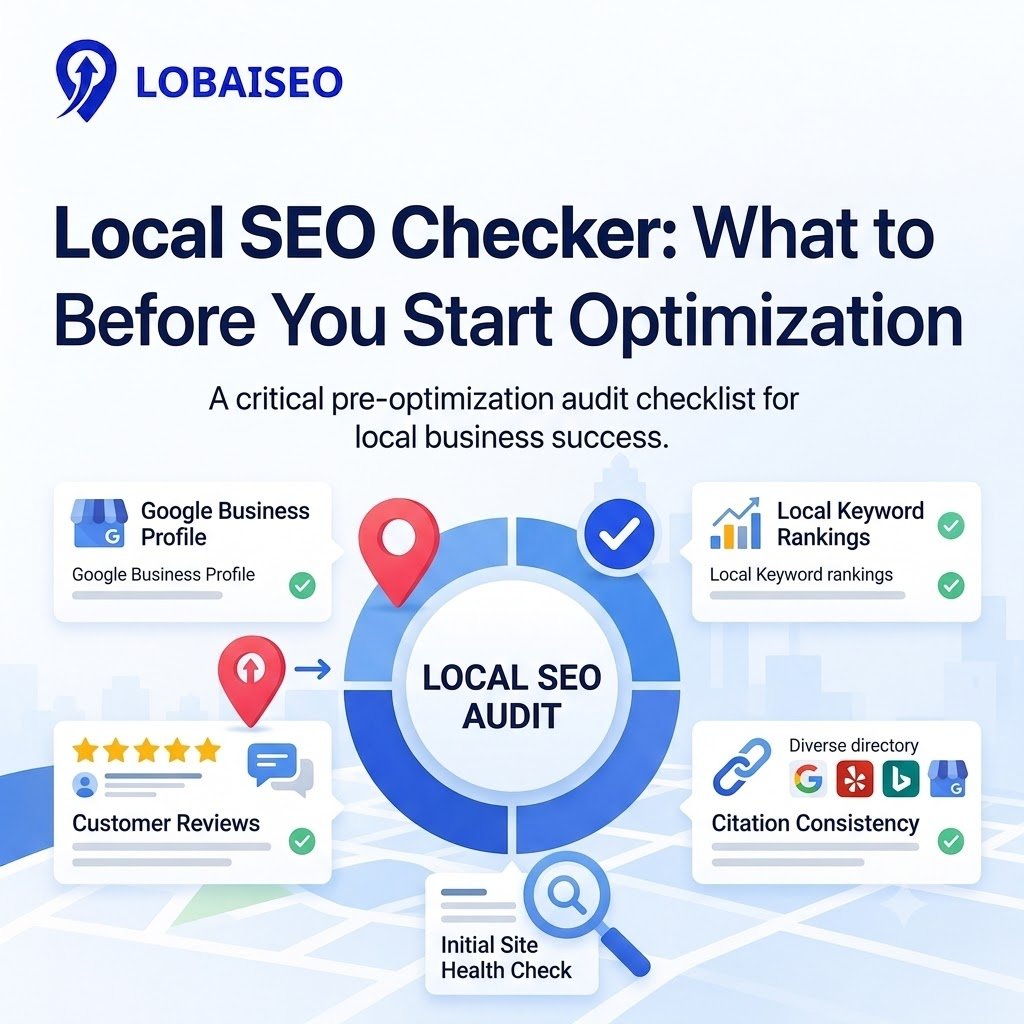
A useful local SEO check should cover Google Business Profile accuracy, name, address, and phone number (NAP) consistency, local rankings, reviews, website performance, and business listings. For brands with several locations, compare each site against authorized business data. Several profiles can feature the right addresses of a dealer network but outdated opening hours.
Begin with a comprehensive local SEO analysis of each location. Look at profile categories, website linkages, service areas, duplicate listings, review activity, and landing pages. Then, note down each issue, location, and priority. Google’s Business Profile guidelines explain how firms should display themselves. Develop an accurate corrective strategy prior to modifying listings using the results.
If you want to learn more local SEO tips, you can definitely read more on the Lobaiseo blog page.
Which Issues Can A Local SEO Checker Identify Automatically?
A local SEO tool can flag missing business details, inconsistent NAP information, duplicate listings, broken website links, outdated hours, and review trends when the relevant data is available. A local search checker may also compare visibility across selected locations and search terms. A local ranking checker can track rankings for specific queries, but results may vary by searcher location, device, and time.
Automation can’t validate all problems. A listing might be truthful but yet score low if it has rivals who are more locally relevant or prominent. Reviewing alarms, duplication identification, and bulk profile audits helps speed up inspections, with manual review confirming what needs correcting. Before making modifications over a wide network, at Lobaiseo we propose checking identified concerns against authorized location information. You may get help with verification and profile corrections in Google’s Business Profile help centre.
For more information, you can watch the YouTube channel “Lobaiseo.”
FAQs
A local SEO checker is a tool that checks a business’s local search presence. It may evaluate Google Business Profile information, business listings, reviews, website signals, and local rankings to discover problems before the optimization starts.
What does a local SEO checker look for?
Business name, address, phone number, opening hours, profile categories, website links, duplicate listings, reviews & local rankings. The specific tests performed depend on the tool and the data sources it can reach.
How accurate are local SEO checkers?
The accuracy relies on the freshness of the data, the coverage of the locations, and the sources of data used by the tool. Rankings vary by search location and time. Check key information with Google Business Profile and verified business listings before any edits.
Can a local SEO checker check Google Maps?
Yes. Some programs monitor Google Maps presence and local rankings for keywords and areas you pick. Results may change based on searcher location, device, and search context. Use as indications, not absolute rankings.
Can local SEO checks be automated?
Yes. Businesses may automate checks for missing facts, inconsistent listings, review activity, and chosen rank adjustments. Even so, human review is still needed to check business facts, to evaluate ranking issues, and to approve adjustments across many locations.