Managing 50, 100, or 1,000 Google Business Profiles is very different from managing one listing. Dealer details change, locations make edits, reviews need replies, and NAP information can drift. The best Google Business Profile management software should keep these tasks controlled without slowing down local teams. At Lobaiseo, we see this first-hand across dealer networks, hotels, villas, corporations, and service businesses.
What to Look for When Comparing GBP Tools
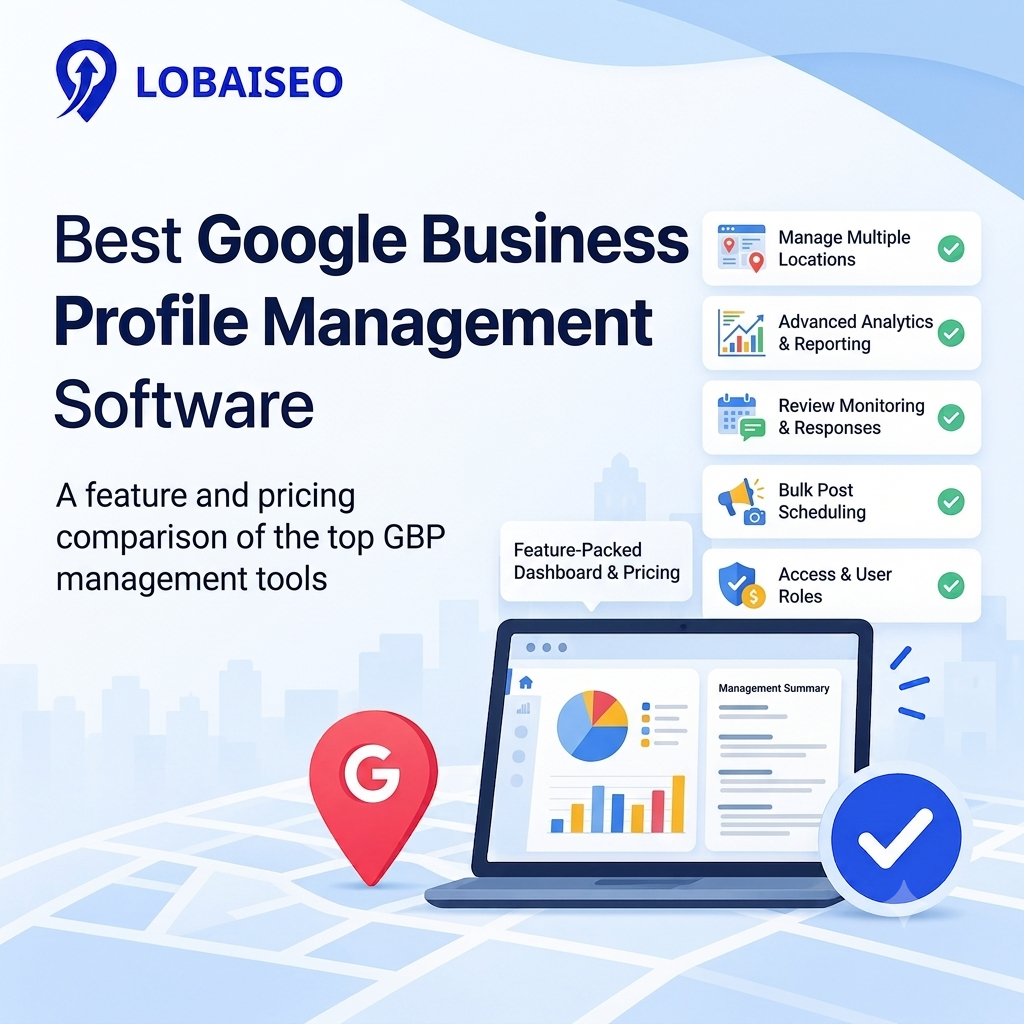
A GBP management tool should solve the daily problems that appear when location counts increase. Bulk updates matter because changing one detail across 200 profiles manually wastes hours. Review management, post scheduling, location groups, edit tracking, user permissions, reporting, and rank tracking also become important as the network grows.
For example, a hotel chain may need central control over branding while each property manages its own reviews and local updates. A dealer network may need different phone numbers, addresses, services, and opening hours at every location. Lobaiseo’s YouTube Shorts also cover practical Google Business Profile work, which can help teams understand how these tasks work before choosing software. The best test is simple: take a real location workflow and run it through each platform.
Feature-by-Feature Comparison Table
A useful GBP software comparison should focus on the work your team performs every week. Do not choose software simply because it has the longest feature list. The important question is whether those features reduce manual work across your locations.
For example, bulk editing is useful when a business changes its website or holiday hours across many locations. Review management becomes important when every location receives regular customer feedback. Location groups and permissions matter when franchisees or branch managers need access without being able to change central settings.
Reporting also deserves attention. A marketing director may need network-level results, while a local manager may only need information about one location. Good software should make both views easy to manage.
The practical approach is to list your five most common GBP tasks and test each one on the platforms you are considering. Note how many clicks, manual changes, and separate tools each task requires.
Pricing Comparison Across Popular Tools
Pricing becomes harder to compare when platforms use different limits, location counts, features, and billing models. A monthly price that looks affordable for ten locations can become expensive when the network reaches 100 or 500 profiles. Always calculate the yearly cost against your actual location count instead of comparing headline prices.
For example, Semrush Local prices depending on geography, whereas platforms like Birdeye often price based on the goods and scalability a firm needs. Lobaiseo also has plans built on GBP management, so it’s worth looking at Lobaiseo pricing with the amount of locations, services and support your team needs.
The practical workflow is to calculate three numbers: your current locations, your expected locations after 12 months, and the total annual software cost. Then check whether additional users, reporting, reviews, or other functions cost extra.
Which Tool Fits Which Type of Business
There is no single best GMB management tool for every organisation because local search teams work differently. An agency may manage many clients and need reporting and account separation. A franchise may need central brand control with local access. A hotel group may need consistent information across properties while allowing individual teams to handle reviews.
For agencies, systems that include multi-client processes and reporting might be valuable. Enterprise brands frequently need more advanced rights, bulk updates, integrations and reporting at the location level. Smaller firms can want a simpler process and not be willing to pay for corporate features they would seldom use.
We recommend starting with the actual work rather than the software name. Pick representative locations from your network, run the same weekly tasks across each shortlisted platform, and record where manual work remains. That gives you a much clearer answer than comparing feature counts alone.
FAQs
The right tool depends on your location count and workflow. Compare bulk updates, reviews, posts, permissions, reporting, rank tracking, integrations, and total cost before choosing.
What features should I compare before choosing GBP software?
Focus on bulk profile management, review responses, post scheduling, edit tracking, location groups, reporting, permissions, connectors and price. As you scale out your location network, these functionalities become more and more crucial.
Which GBP tool is best for agencies vs single businesses?
Agencies often require multi-client administration, reporting, authorization and repetitive procedures. For example, a firm may merely need profile optimization, postings, reviews and simple reporting. The feature set required is considerably different.
Is there a free trial for GBP management software?
Some systems provide free trials but the amount of time and functionality differ. Before registering, check the trial terms now. You may also check out the current plans and trial alternatives for Lobaiseo before you start.