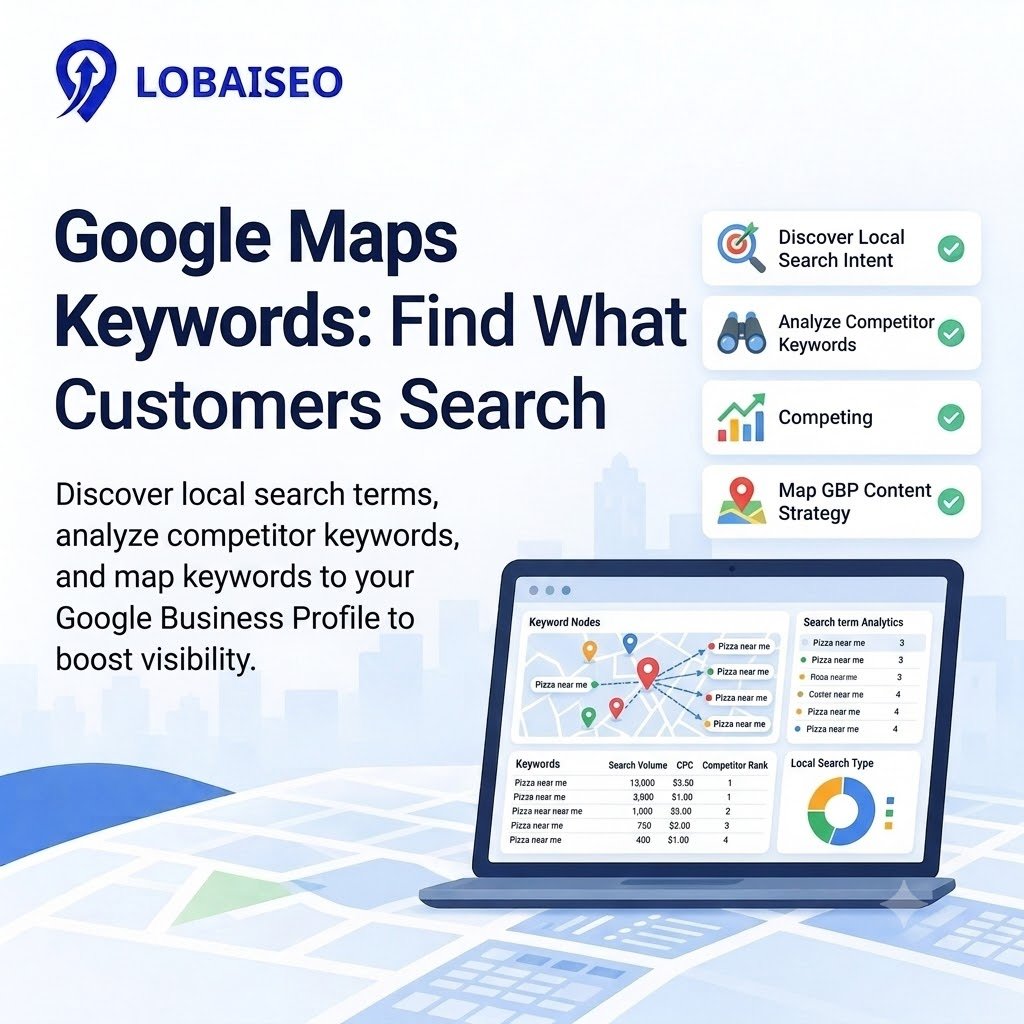
People typically use Google Maps to find the nearest service, store, hotel, or restaurant before selecting where to go. We at Lobaiseo dig through these searches to determine what consumers are looking for, what phrases local companies should be using, and how Google Business Profile material might help them gain more visibility.
How Do You Discover Keywords Used In Google Maps Searches?
Google Maps keyword research is knowing what people would enter into a search in a certain location when they are seeking a product or service. Start with Google autocomplete, similar searches, and the suggestions that show up when you search for a service and location. For example, a hotel can target keywords such as “hotels near Golden Temple” or “family hotels in Amritsar.” Here are some instances of Google Maps keywords and location keywords that demonstrate local intent.
With a local keyword tool, compare search demand, keyword variants, and competitiveness. Do a local competitor analysis. Look at comparable firms, the categories they fall into, the services they offer, and customer evaluations. Use Google’s Keyword Planner to examine keyword suggestions and Google Trends to see changes in interest. We also look at how customers characterize services in reviews and queries at Lobaiseo. These hints may be used to form appropriate Maps search keywords and larger local search keywords, with no guessing about what buyers desire.
How Should Map Keywords Be Mapped To GBP Content?
Map each keyword to the Google Business Profile field or page that best matches the customer’s intent. Use the main service or business category to establish relevance, then include suitable terms naturally in your business description, services, products, posts, and linked website pages where appropriate. For example, a hotel targeting “family hotel in Amritsar” should describe its genuine family facilities rather than repeatedly inserting the phrase into every field.
Keep business details accurate across locations. Strong business listing consistency means maintaining correct names, addresses, phone numbers, opening hours, and other details. If duplicate profiles exist, follow Google’s guidance to resolve duplicate Business Profiles. Do not create extra listings to target more keywords. Our Lobaiseo YouTube Shorts channel also offers short videos about local SEO and Google Business Profile management. Review performance regularly and fix duplicate listings when needed, then update content based on relevant searches and customer needs.
FAQs
Google Maps keywords are search terms people use to find nearby businesses, products, or services on Google Maps. Examples include “dentist near me,” “hotels in Amritsar,” and “emergency AC repair.” These searches reflect local needs and help businesses understand what potential customers are looking for.
How do I find keywords for Google Maps?
Start with Google autocomplete, customer reviews, competitor profiles, and keyword research tools. Google’s Keyword Planner can provide keyword ideas and search estimates. Compare these findings with your services and target locations to identify relevant terms.
Do Google Maps keywords affect rankings?
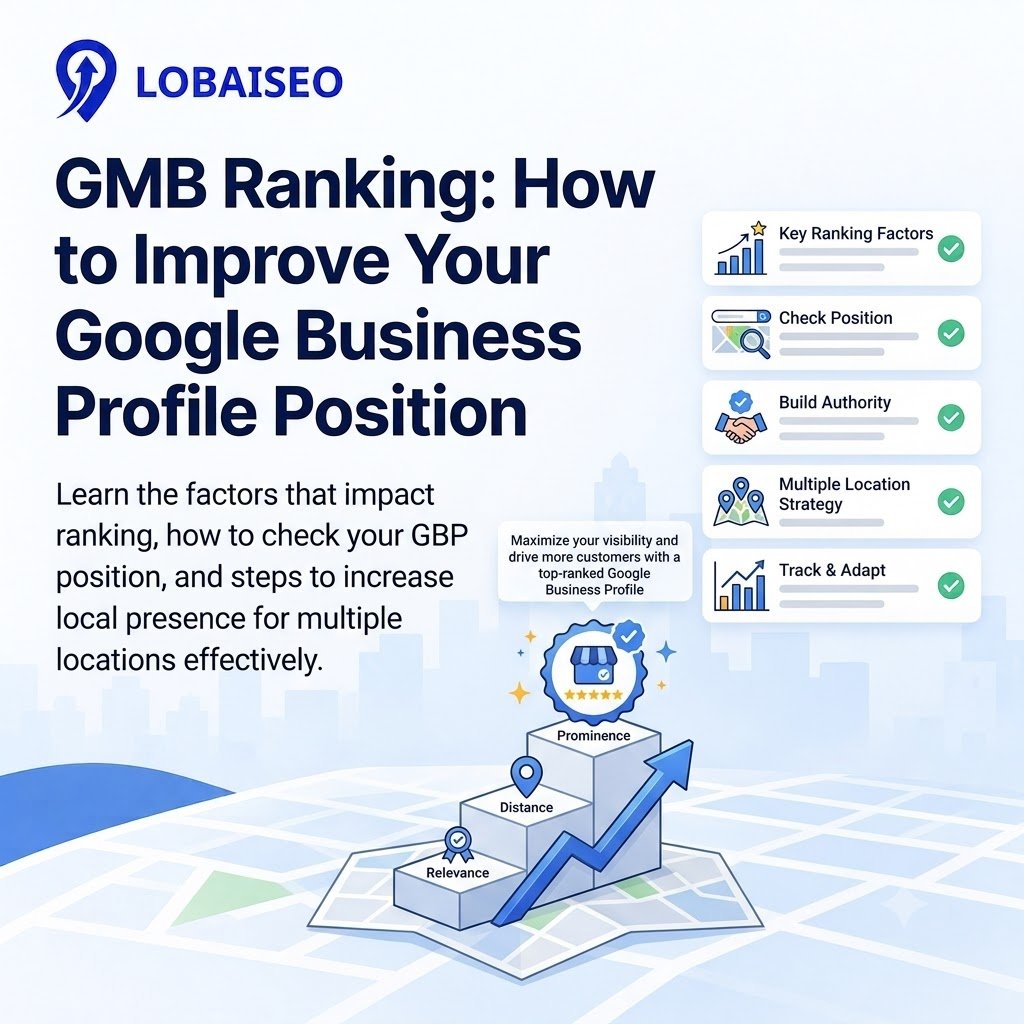
Google needs to know how a business relates to a search and relevant keywords assist to do that. But rankings also depend on relevancy, distance, and significance. “Just because you have keywords doesn’t mean Google will rank you higher.
Where should the Maps keywords be used?
Use the right phrases on your website content, service pages, business description and correct service information, organically. Pick the right business categories and make sure your profile data are comprehensive. Unless it’s part of the actual world name, don’t add keywords to your business name.
Can Maps keyword research be automated?
Yes. Some keyword research tools let you gather search phrases, see what rivals are doing, organize keywords by area, and monitor results. Automation may help multi-location companies cut down on human effort, but teams should still check keyword relevance and keep every Google Business Profile correct.