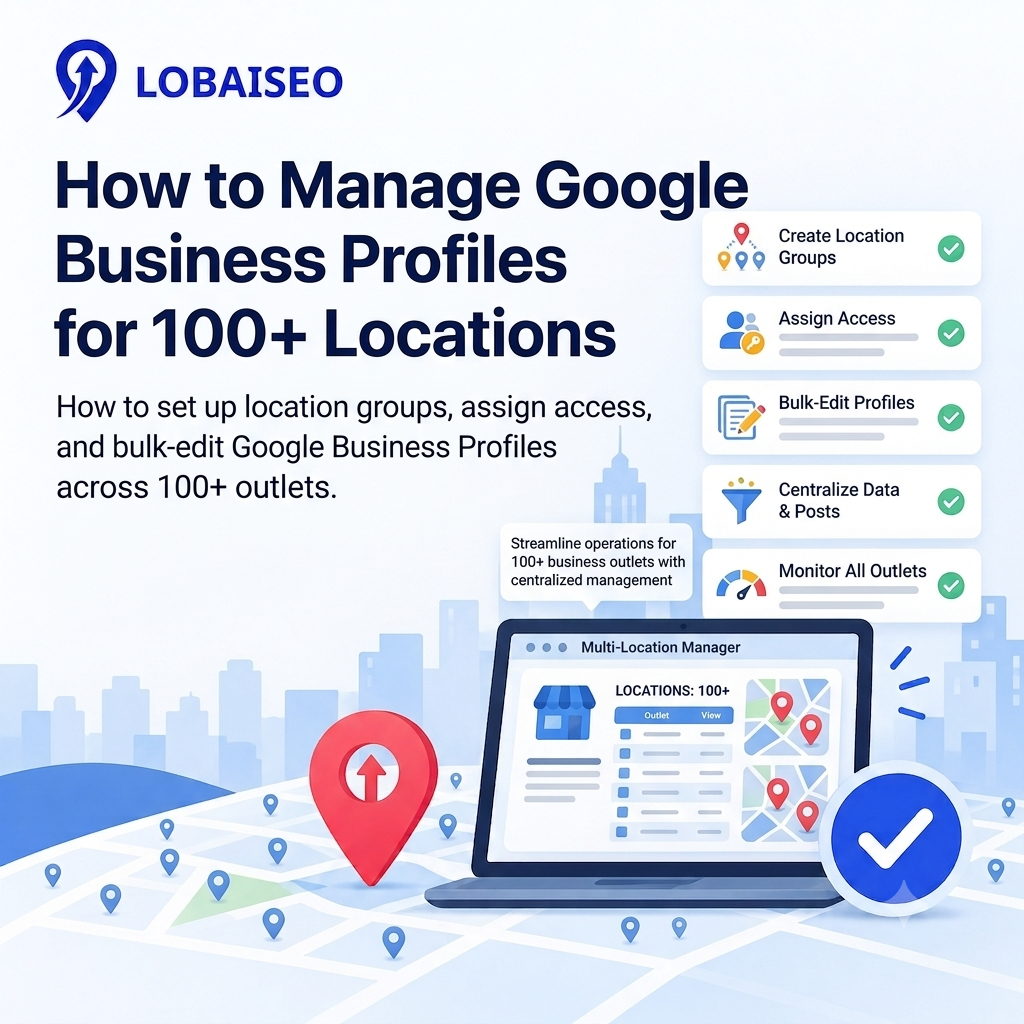
Managing 100+ profiles requires more than opening each listing one by one. You need an organized location system, explicit access rules, and bulk updates. Lobaiseo supports multi-location enterprises and can manage Google Business Profiles in bulk. Its YT Shorts provide practical advice on GBP management.
Why Manual Management Breaks Down Past 20 Locations
Manual administration is tough, as each place needs frequent care. Updating hours, reviewing reviews, adding articles, fixing phone numbers, and monitoring profile changes for dozens of locations may be time-consuming to perform again and again. Missing an update might potentially leave clients with obsolete information.
For 100+ locations, the bigger problem is consistency. Different team members may make changes in different ways, while some locations may receive no attention. Google supports bulk management for businesses with 10 or more locations, which helps them handle larger location sets. Lobaiseo deals with businesses ranging from individual service providers to hotels, dealer networks, and multi-location companies. Its YouTube Shorts also share practical examples of Google Business Profile management.
Setting Up a Location Group in Google Business Profile
A location group for business profiles brings multiple locations under one organized setup. Google describes a business group as a collection of profiles managed together. It allows teams to work with several locations without treating every profile as a completely separate account.
Start by creating a business group in Business Profile Manager. Then add or transfer the relevant locations into it. Keep locations from the same business or brand together where possible. Google also recommends using business groups when multiple people need access. This structure is useful for hotels, dealer networks, franchises, and other large location networks. Lobaiseo uses multi-location GBP management as part of its work with both small and large businesses. Its YouTube Shorts can also be linked here for practical GBP management examples.
Assigning Access and Permissions Across Teams
Giving everyone the same login is risky and makes it hard to control who can change information. Google allows owners and managers to access business profiles through their own Google accounts. Owners have more control, while managers can handle most daily profile tasks but cannot add or remove users.
For a large network, access should match the person’s job. A central team may handle profile ownership, while local teams can manage reviews, posts, or daily information. Business groups can also be used to share access across a set of locations. Lobaiseo works with location networks where different teams may need to manage different profiles. Its YouTube Shorts can be used as an additional learning resource for GBP management practices.
Bulk Editing Business Information Safely
Bulk editing is a time saver when you need to make the same modification in multiple places. You may upload spreadsheets to update numerous profiles in Google Business Profile Manager. Download the existing location data and make sure the right business code is assigned to each site before making any changes.
The safest way is to update only those fields that need to be updated. Make sure to thoroughly check your spreadsheet, specifically phone numbers, addresses, hours and business names, before you submit. Google gives a change report following an upload so you may evaluate problems before final submission. Lobaiseo’s emphasis is on companies with big geographic networks where information consistency is vital. Its staff studying practical GBP management can also help YouTube Shorts.
FAQs
Use Google Business Profile Manager with a business group and bulk management tools. Locations can be organized together, and business information can be updated through spreadsheets. For larger networks, Lobaiseo can also support ongoing multi-location GBP management.
Can I bulk edit Google Business Profile locations?
Yes. Google allows eligible businesses to update multiple locations through Business Profile Manager and spreadsheet uploads. Before uploading, check store codes and review the changes carefully. Lobaiseo also handles GBP management for businesses with multiple locations.
How do I give my team access to multiple GBP locations?
Create a business group and add the required users with suitable access. Google allows owners and managers to work on profiles without sharing passwords. This is useful when different teams handle different locations.
What is a GBP location group?
A GBP location group, called a business group by Google, is a collection of business profiles managed together. It helps organize multiple locations and share access with the right people. This is especially useful for large location networks.
2 thoughts on “How to Manage Google Business Profiles for 100+ Locations”