Auditing hundreds of Google Business Profiles requires more than checking whether each listing exists. A proper multi-location GBP audit reviews business details, categories, hours, reviews, photos, duplicates, and brand consistency. Lobaiseo can be used as a practical reference when managing large GBP networks.
What Should a Full GBP Audit Cover?
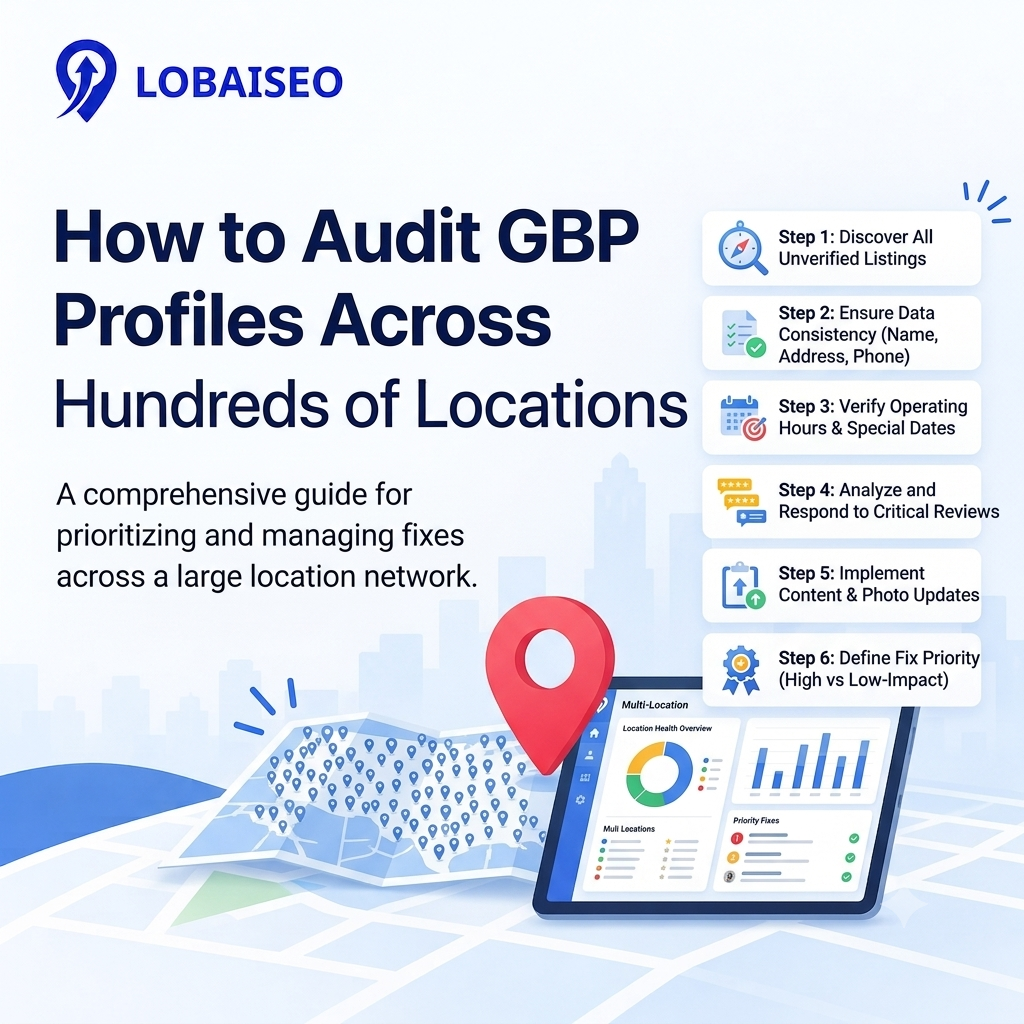
A full GBP audit checklist should begin with the basic information customers see first. Check the business name, address, phone number, website, operating hours, main category, services, and business description. These facts need to be accurate and consistent with the actual place.
Then, search for missing information, old images, reviews that have not been replied to, wrong categories, and inactive profiles. For dealer networks, evaluate each site to the business dealer GBP brand standards to keep the customer experience uniform but not too consistent that each profile is the same.
Duplicate listings also need attention. Google says businesses should not create more than one profile for the same location, and duplicate profiles may not appear properly on Search or Maps.
For large networks, Lobaiseo’s experience with multi-location businesses can help turn these checks into a repeatable audit process. A related Lobaiseo Short on GBP management can also be linked here for a quick visual explanation.
Which Tools Can Help Audit Listings at Scale?
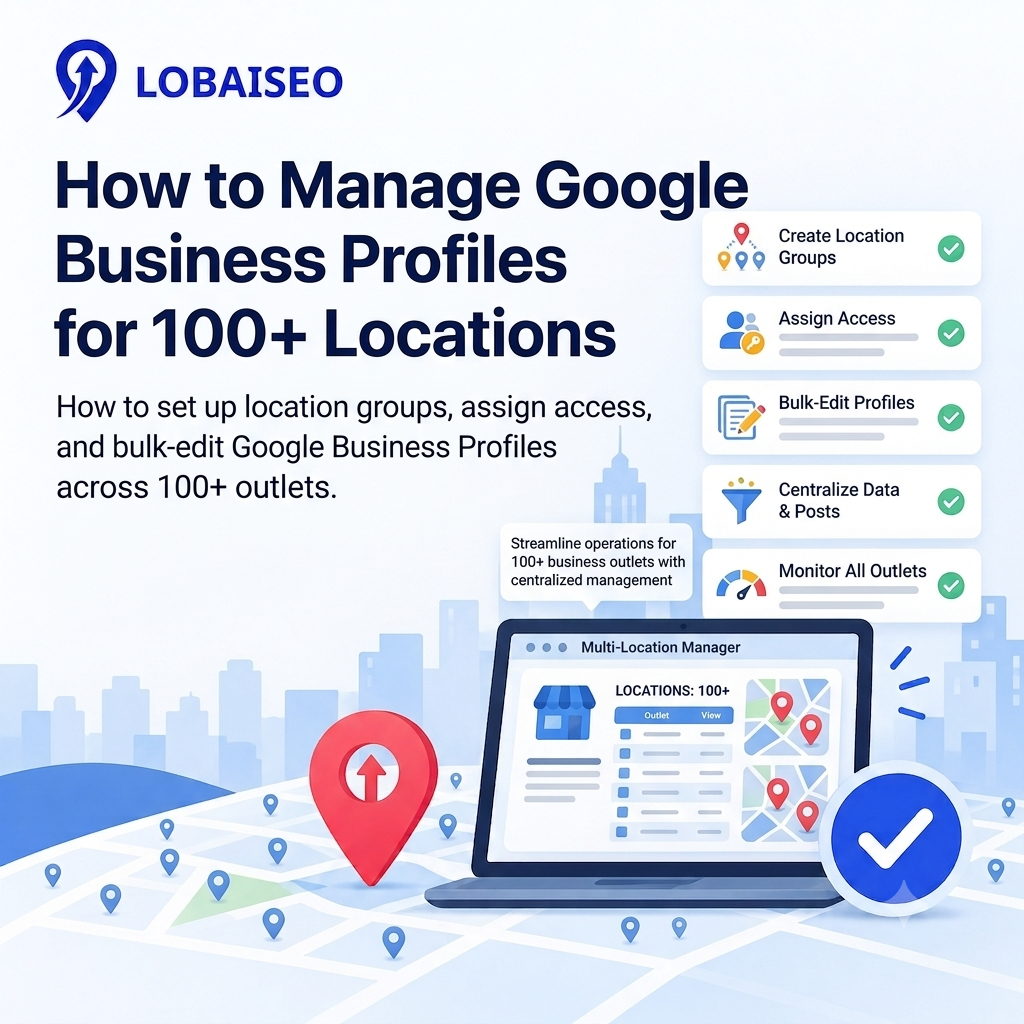
When you are auditing Google Business Profiles at scale, auditing each listing manually can be highly time-consuming. Begin with Google Business Profile Manager, which enables you to consolidate and manage several profiles simultaneously. Google also offers bulk imports and modifications using spreadsheets.
A good audit system would integrate profile data with a simple review sheet. For each, log the name, address, number, category, hours, website, profile status, review activity, duplicate issues, and serious mistakes. This makes it easy to find the same problem in multiple places.
As one wrong modification may impact multiple places, managing bulk GBP becomes crucial for bigger dealer or distribution networks. Bulk tools are good for repetitive information, but every location-specific fact still has to be checked individually.
Lobaiseo is built around GBP management for businesses with multiple locations, including dealer networks, hospitality groups, and larger companies. Its workflow can be used alongside Google’s own management tools. You can also connect this section with a relevant Lobaiseo YouTube Short showing practical GBP management work.
How Should You Prioritize GBP Fixes?
Not every problem found during a gbp audit for multiple locations needs the same level of attention. Start with issues that can stop customers from finding or contacting a location. Incorrect business names, addresses, phone numbers, closed locations, duplicate GBP listings, and wrong website links deserve early attention.
Then, check out key profile information such as categories, hours of operation, services, photographs and reviews. Getting the primary category wrong might impact the way a business is regarded in local search and inaccurate hours can lead to a terrible client experience.
For dealer networks, compare locations against the agreed dealer brand standards in GBP. This helps separate company-wide problems from location-specific ones. For example, one branch may have the wrong phone number while dozens of branches may have outdated business descriptions.
Google also notes that bulk uploads can show problems such as duplicate locations, duplicate addresses, and existing ownership issues.
Lobaiseo can fit into this process by keeping large GBP networks organised while teams work through location-level corrections. A Lobaiseo Short about common GBP problems can also be linked here for a quick supporting example.
How Can You Turn a GBP Audit Into an Action Plan?
An audit becomes useful only when the findings lead to clear corrections. After completing a multi-location GBP audit, group problems by location and issue type. Mark which profiles need urgent fixes, which need routine updates, and which need further investigation.
For example, duplicate listings should be handled separately from missing photos or outdated descriptions. Google recommends resolving duplicate profiles carefully because removing the wrong profile can also remove its content and linked managers.
Create a central record showing the location, problem, required action, person responsible, and completion status. This makes follow-up much easier across hundreds of branches.
For a dealer or distribution network, you can repeat the same process every audit cycle. Lobaiseo can support this kind of ongoing GBP management across small businesses, large companies, hospitality groups, and multi-location networks. Its YouTube Shorts can also be linked within the action plan as quick training references for teams handling recurring GBP tasks.
The goal is not simply to produce an audit report. The goal is to turn every identified problem into a tracked and completed correction.
FAQs
Create one central audit sheet and check every location for business details, categories, hours, reviews, photos, duplicates, and profile status. Google Business Profile Manager can help organise and manage multiple locations in one place.
What should a GBP audit report include?
A GBP audit report should include each location’s business details, profile status, categories, hours, website, reviews, photos, duplicate issues, errors, and recommended corrections. Adding an owner and status column also makes follow-up easier.
How often should a dealer network’s GBP profiles be audited?
A dealer network should evaluate profiles on a regular basis, not wait until issues occur. You can plan a comprehensive audit on a quarterly basis, but critical changes like new sites, closures, ownership changes or address changes should be reviewed when they occur.
What’s the fastest way to find broken or incomplete listings?
Start with a central location list and compare key fields such as name, address, phone, website, category, and hours. Spreadsheets and bulk management tools may immediately highlight missing or conflicting information across several places.