
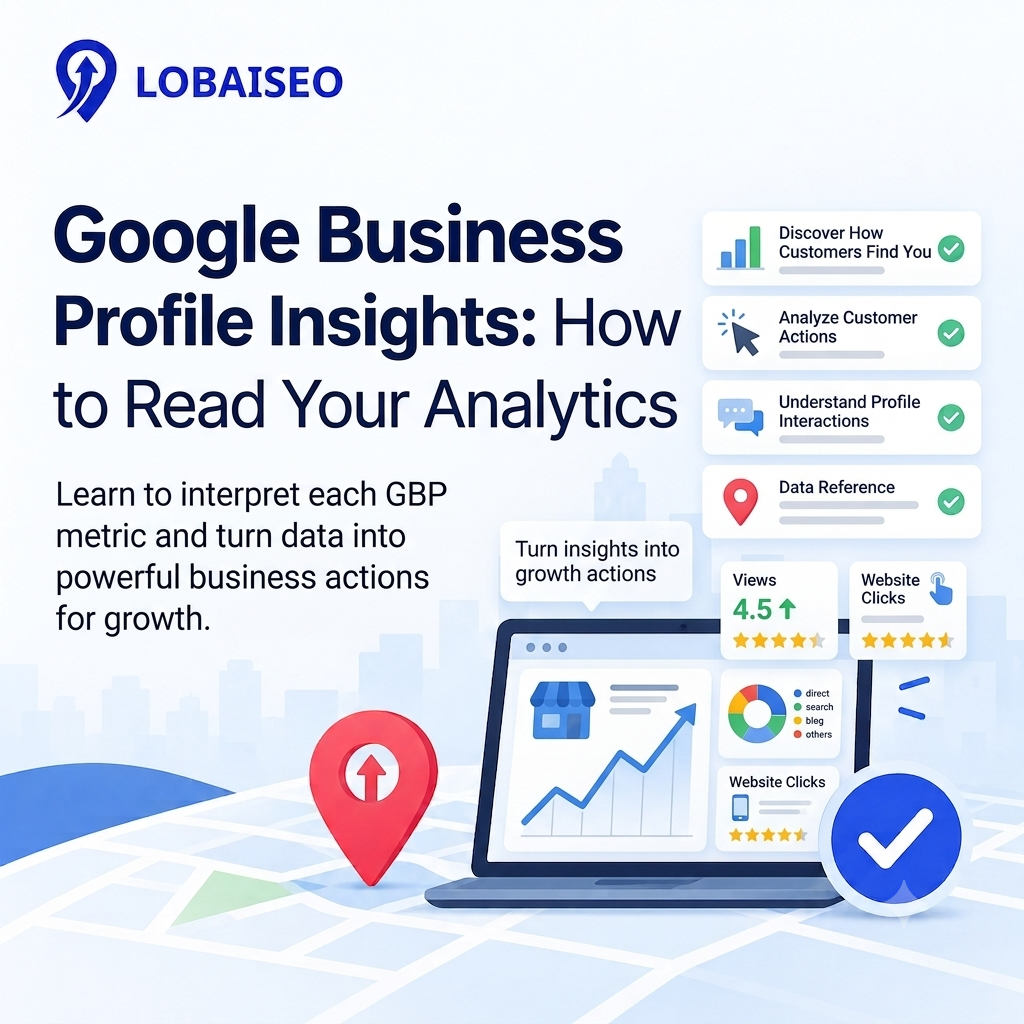
A multi-location Google Business Profile network can hide problems behind good-looking totals. One branch may get strong calls while another loses visibility because of outdated details or weak local demand. We use Google Business Profile insights to separate these signals and see what each location is actually doing.
Google reports profile views, searches, calls, website clicks, and direction requests, with some metrics varying by business type.
What Each GBP Insights Metric Actually Means
The main problem is treating every number as a ranking score. GBP performance metrics show customer activity, not a direct Google ranking position. Views show how many people viewed a profile, while searches show the queries that triggered it. Calls, website clicks, and direction requests show actions taken after discovery.
For example, 10,000 views with 40 website clicks deserves a different review than 3,000 views with 180 clicks. At scale, we first compare the same date range across locations, then investigate unusual changes. This makes a GBP analytics guide useful for finding locations that need a profile or local SEO work.
How to Interpret Calls, Direction Requests, and Website Clicks
A high number of views does not automatically mean strong business results. Calls show clicks on the call button, website clicks show visits through the profile website link, and directions show requests for navigation.
Suppose two dealerships receive similar profile views, but one generates twice as many calls. Check its category, phone details, reviews, services, photos, and landing page before assuming the difference is ranking. We also compare these actions with actual leads or sales. For a practical understanding of GBP insights walkthrough, our Lobaiseo YouTube Shorts cover common Google Business Profile issues and performance checks.
Comparing Performance Across Multiple Locations
Comparing 100 locations using total views alone can hide weak branches. A better process compares each location against its own previous period and then against similar locations. Google allows performance data for multiple profiles to be downloaded together, making bulk comparison possible.
For example, compare January with February for every location, then flag branches where calls, directions, or website clicks dropped sharply. Next, check whether profile information, reviews, offers, seasonality, or local competition changed. A GBP rank tracker can add ranking data, because Insights itself does not provide a direct ranking position.
Turning Insights Data Into Action
The useful question is not “Did views increase?” but “What changed, and what should we do next?” Start with locations showing the largest movement in calls, directions, website clicks, and searches. Then check the profile for incorrect information, missing services, weak photos, review gaps, or inconsistent details.
At Lobaiseo, when we audit Google Business Profiles at scale, we treat analytics as an operational signal rather than a monthly report. A location with falling actions needs investigation, while one with rising qualified actions should be studied for repeatable practices. Connecting business profile data with Google Analytics can also help connect local listing activity with website behavior.
FAQs
Google Business Profile Insights shows how people discover and interact with a profile. Depending on the business, this can include searches, views, calls, website clicks, directions, bookings, messages, products, menus, and offers.
What is a good number of profile views per month?
There is no universal good number. Compare each location with its previous performance and similar locations. A smaller profile with strong calls, directions, or website clicks can be more useful than one with many views but few actions.
How do I compare GBP performance across locations?
Use the same date range. Compare views, searches, calls, directions and website clicks by location. Google lets you obtain performance statistics for numerous profiles at once making location level comparison easier.
Why don’t my GBP insights match my actual footfall?
GBP Insights tracks some activity on Google, not all in-person visits. Getting directions isn’t the same as a full visit, and some consumers may attend without using Google to get directions. Always compare Insights with your shop data and other statistics before making conclusions.
4 thoughts on “Google Business Profile Insights: How to Read Your Analytics”