
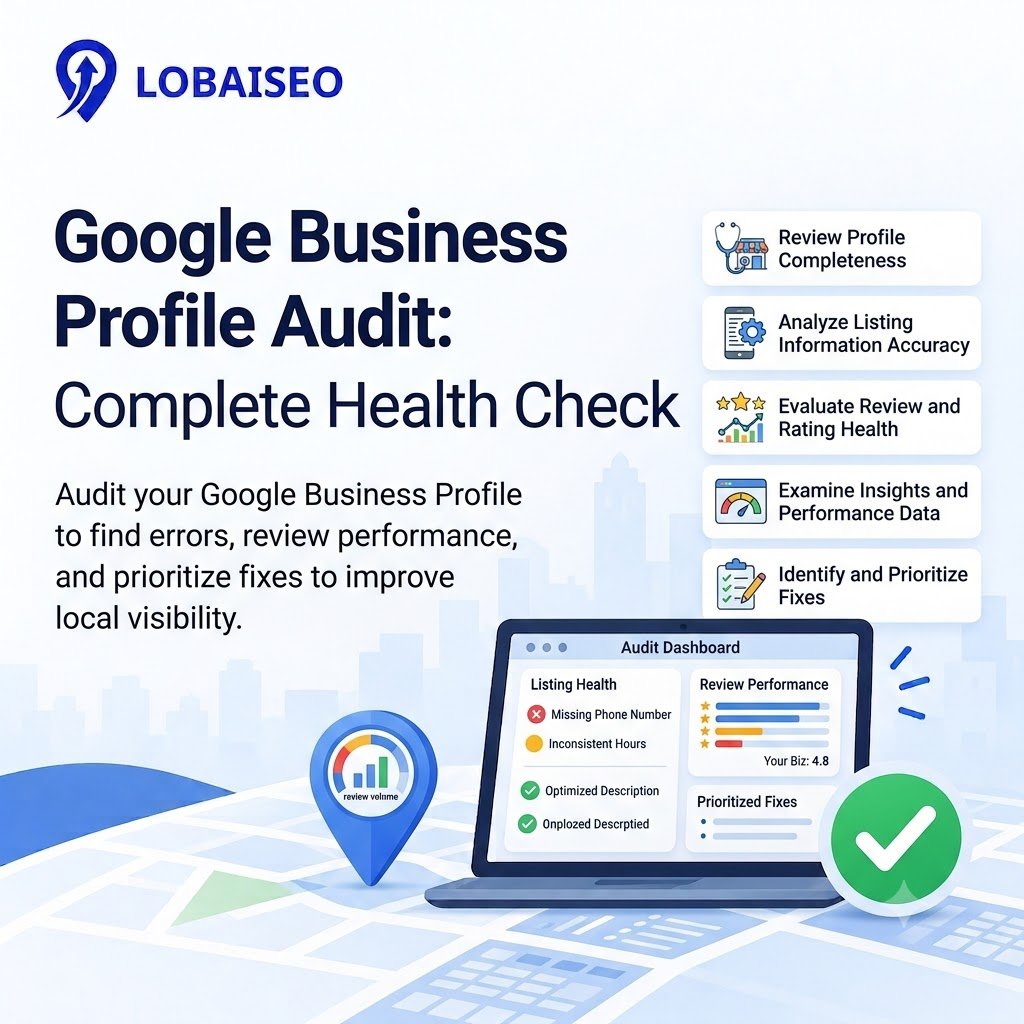
A Google Business Profile audit checks whether a business listing is accurate, complete, and performing well on Google Search and Maps. At Lobaiseo, we focus on finding profile errors across business locations, from incorrect contact details to missing services, so teams can address issues before they affect customer inquiries.
What Should A Google Business Profile Audit Cover?
A full GBP audit should include company facts, classifications, services, operating hours, images, reviews, connections to the website, and profile status. Make sure the information matches the company website and other credible listings. Then check out Google Business Profile Insights to see searches, views, calls, and website clicks. Eligible businesses can use Google to look at performance data for one or more profiles.
If your brand has several locations, compare these checks across all of your branches. A Google Business Profile checker or structured checklist might highlight missing information, while a GBP health check can help teams document concerns and monitor adjustments.
How Do You Prioritize GMB Profile Issues?
Errors that might deceive customers include a wrong phone number, wrong address, or wrong hours of operation. Then, repair any missing categories, incomplete services, broken website links, and unresolved customer feedback. You may do the same tests as a contemporary profile evaluation with a GMB audit. For multi-location networks, give an owner and deadline for each issue and utilize local SEO reporting to track successful corrections and changes in consumer actions. Google Maps rank trackers can track exposure for relevant local searches, but rankings should be assessed in conjunction with profile accuracy and interaction. At Lobaiseo, we propose having only one shared issue log so teams can see the common issues across branches.
For practical examples of Google Business Profile problems, you can also explore Lobaiseo’s YouTube Shorts.
FAQs
A Google Business Profile audit is an evaluation of the accuracy, completeness, and performance of a company profile. It finds flaws with contact information, categories, hours, services, reviews, photographs, and visibility on Google Search and Google Maps.
How do I audit a Google Business Profile?
Get company information, reviews, maps, coupons, driving directions, and more. Check business name, address, phone number, hours, categories, services, photographs, reviews, and website link. Look at performance statistics on Google’s dashboard, log mistakes, address high-priority issues, and assess outcomes after adjustments.
What problems can a GBP audit find?
A profile audit might reveal inaccurate contact information, duplicate listings, missing services, outdated hours, poor review management, dead links, and even incomplete profiles. It may also identify performance variations that require further investigation.
How often should a GBP audit be performed?
Update the profiles at least quarterly, or anytime a firm changes its address, phone number, services, or hours of operation. For large multi-location networks, monthly reviews and more frequent monitoring of significant profile changes could be beneficial.
Can GBP audits be automated?
Yes. Tools may examine public profile data, track ranks, and organize regular reports. But teams should check critical faults manually and check private performance statistics on Google’s own dashboard as needed.

One thought on “Google Business Profile Audit: Complete Profile Health Check”