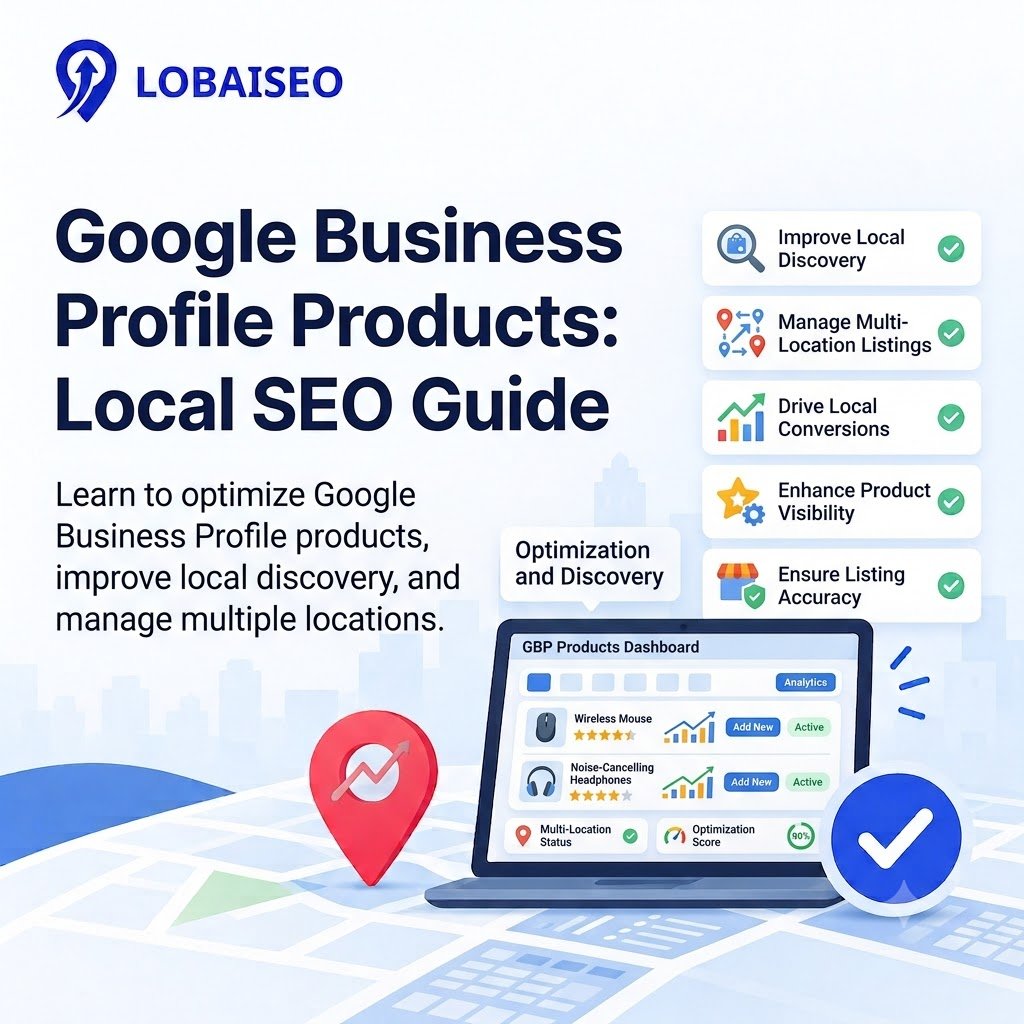
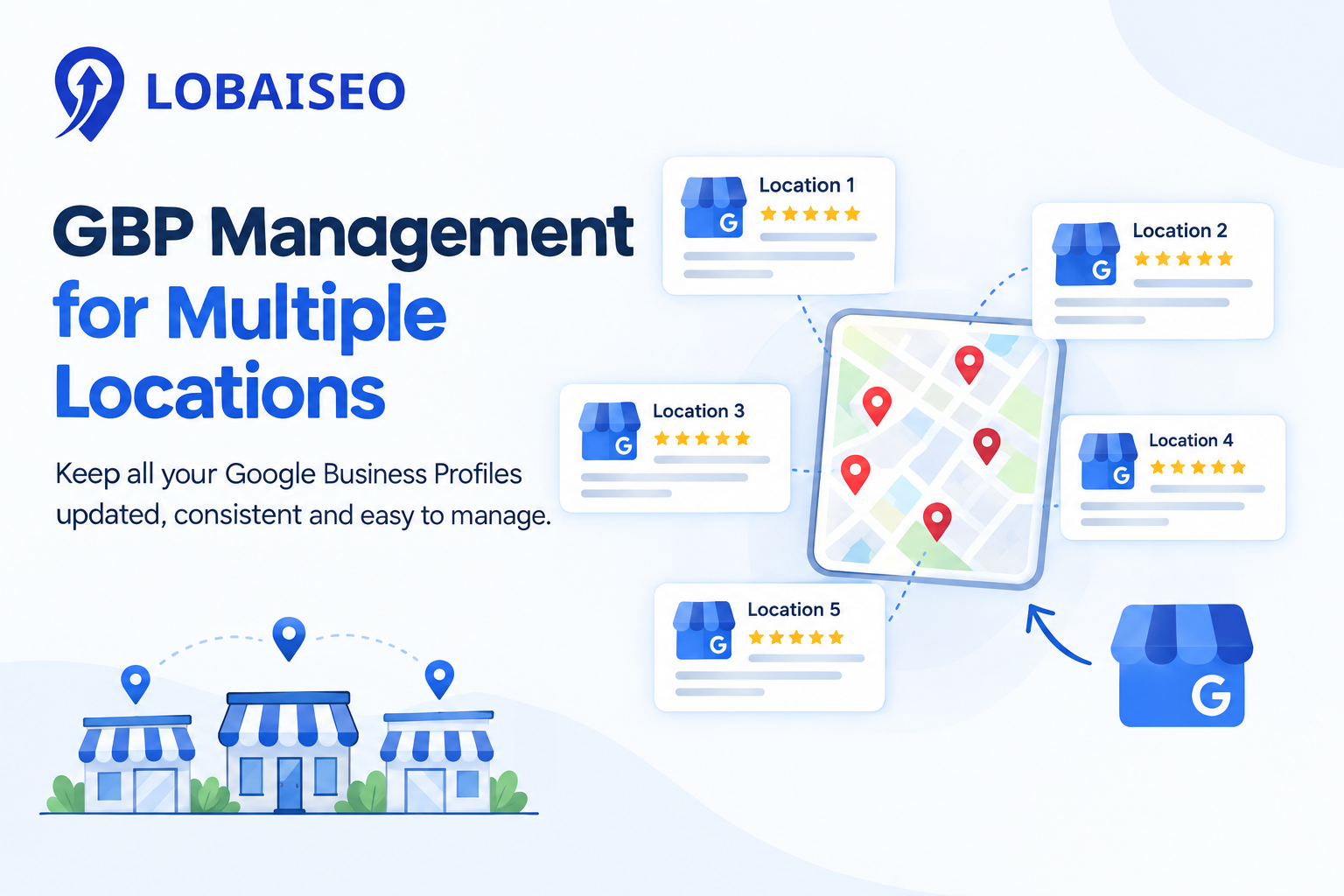
With hundreds of shops or dealer locations, product listings can become outdated fast for a company. Prices, product ranges, and pictures may vary between stores. At Lobaiseo, we believe that reliable, local data is a critical component of maintaining Google Business Profiles at scale.
When Should Local Businesses Use GBP Products?
Google Business Profile products are useful for eligible local retailers that want customers to see what they sell before visiting a store. Furniture stores can display beds and sofas, while electronics stores can show certain products. Google’s Product Editor is designed mainly for physical goods sold by local shops, subject to its eligibility rules.
For multi-location brands, start with a GBP checklist that confirms which products each branch stocks, which prices apply, and which images are approved for use. Do not copy one product catalogue across every location without checking local availability. Use Google’s Product Editor guide to confirm the correct process and review its product policies before publishing.
How Can Product Listings Support Local Discovery?
Google Business Profile product listings give shoppers a clearer view of a store’s offerings before they decide where to go. Clear product names, useful descriptions, accurate prices, and relevant Google Business Profile photos can answer basic questions before a customer calls or visits. For example, a furniture store displaying its main sofa styles gives shoppers a better idea of its range.
Product listings don’t guarantee an increase in ranking. Google claims local results are based mostly on relevance, distance, and popularity. Check product information and your overall local SEO efforts, including correct business information and the right categories. Businesses selling services should use Google Business Profile features where available instead of treating services as physical products. Our Lobaiseo YouTube Shorts channel also covers practical Google Business Profile topics that teams can use during regular listing reviews.
FAQs
Sign in to the Google account managing your profile, open the relevant Business Profile on Google Search, select Edit products, enter the product details and image, then publish. If this option is unavailable, check Google’s eligibility requirements.
Are GBP Products Useful for Local SEO?
Yes. Product listings may improve local discovery and help customers understand what a store sells. But they don’t promise better rankings. Google says the major variables in local results are relevance, distance and prominence.
What Businesses Can Use GBP Products?
The Product Editor is primarily designed for qualifying local establishments who offer real things. Restaurants may access Google’s menu editor and qualifying service organizations can add their offers through the services editor.
How Should GBP Products Be Optimized?
Here are some of the best-reviewed and most popular electric toothbrushes on the market today: Make sure each product corresponds with the real product offered by the business. Follow Google’s product regulations. Remove discontinued products.
Can GBP Product Listings Be Managed at Scale?
Yes, but multi-location companies require a clear method to examine items by branch, confirm local availability and update old data. Ensure each site has the relevant information and make use of the approved procedures and management tools available.
One thought on “Google Business Profile Products: How to Use Product Listings for Local SEO”