Inconsistent service information across hundreds of company locations can mislead clients and lead to unnecessary effort for marketing teams. A service available at one branch may not be available at another and out-of-date listings may result in inquiries that a location cannot satisfy.
At Lobaiseo, we see accurate service information as an important part of local SEO. Google Business Profile services tell customers what a business offers and help them decide whether it meets their needs. For multi-location brands, the goal is to keep every profile accurate without making all locations look identical when their services differ.
How Should Services Be Organized on GBP?
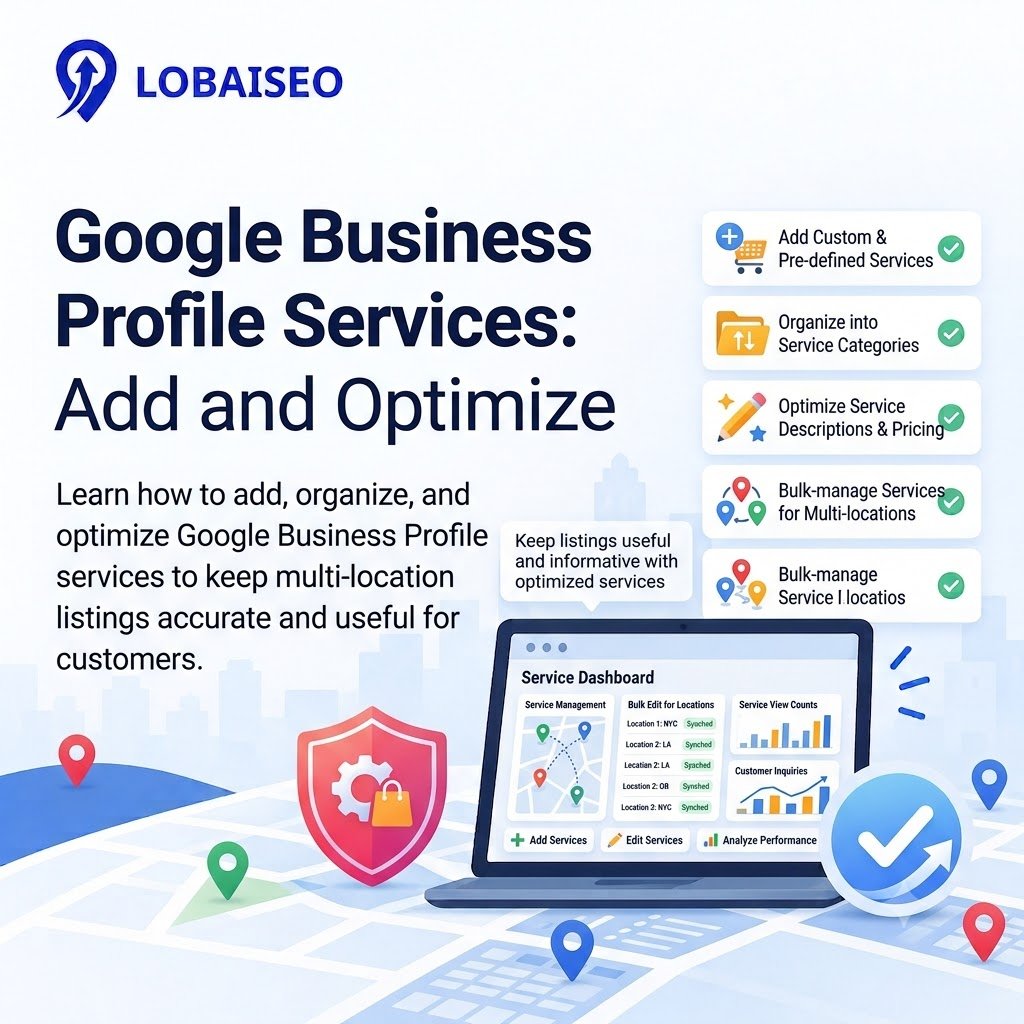
A clean Google Business Profile service menu helps clients to know what a firm offers. Add precise titles of the services. Group related GBP services under suitable categories and use specific service names. For example, an AC repair firm may offer AC installation, AC repair and seasonal maintenance. A hotel could show spa treatments or airport transfers if those services are available and supported by its profile.
For multi-location brands, maintain a GBP checklist covering approved service names, descriptions, and location-specific differences. Check which services each branch actually offers before making bulk updates. Google allows eligible businesses to add suggested or custom services, along with descriptions and prices where supported. Follow Google’s official service management guide when adding or editing services.
Do GBP Services Help Local Search Visibility?
GBP services can help customers understand what a business offers, but adding services does not guarantee higher local rankings. Google says a service may be highlighted when someone searches for an offering listed on an eligible profile. Accurate service details can therefore make the listing more useful to potential customers.
For example, an AC firm that mentions installation and maintenance provides buyers a better idea of what the company does. Ensure services are compatible with website, business category and real services. Don’t introduce irrelevant services only to catch more searchers. At Lobaiseo, we think of service accuracy as part of a broader local SEO approach that includes accurate company facts, reviews and profile upkeep. Google’s local ranking guidance explains that local results mainly depend on relevance, distance, and prominence.
FAQs
On Google Search or Maps, open your Business Profile. Then, click Edit services. Select any applicable recommended services or add your own unique services if available. Add descriptions or prices where supported, then save your changes. Follow Google’s instructions.
Can GBP Services Include Descriptions?
Yes. Eligible profiles may provide descriptions and pricing for particular services. The service covers the following: Custom service names should not contain promotional claims, phone numbers or pricing.
Do GBP Services Affect Local Rankings?
Services can assist clients comprehend what you are offering, but they won’t help you rank better. Google identifies relevance, distance, and prominence as the main factors behind local results. Read Google’s local ranking guidance.
How Many Services Should a Business List?
List the services the business genuinely offers and that are relevant to its customers. There is no single ideal number for every business. Accurate business profile services are more useful than a long list of unrelated offerings.
Should GBP Services Be Updated Regularly?
Yeah. Review them anytime the range of services changes, a new branch opens or shuts, or seasonal employment begins or finishes. Add service checks to your regular GBP checklist, along with business hours, categories and the Google business profile description.