Reporting on hundreds of Google Business Profiles may be a challenge, with rogue modifications, conflicting business facts, and discrepancies at the dealer level. Good local SEO reporting ties listing performance to calls, website visits, direction requests, and leads, providing marketing teams with a clearer picture of what’s working and where change is needed.
Here at Lobaiseo, we look beyond rank adjustments to see how local search supports business goals. A good report should tell you what changed, why it matters, and what the team should do next.
Which Local SEO KPIs Should Be Reported?
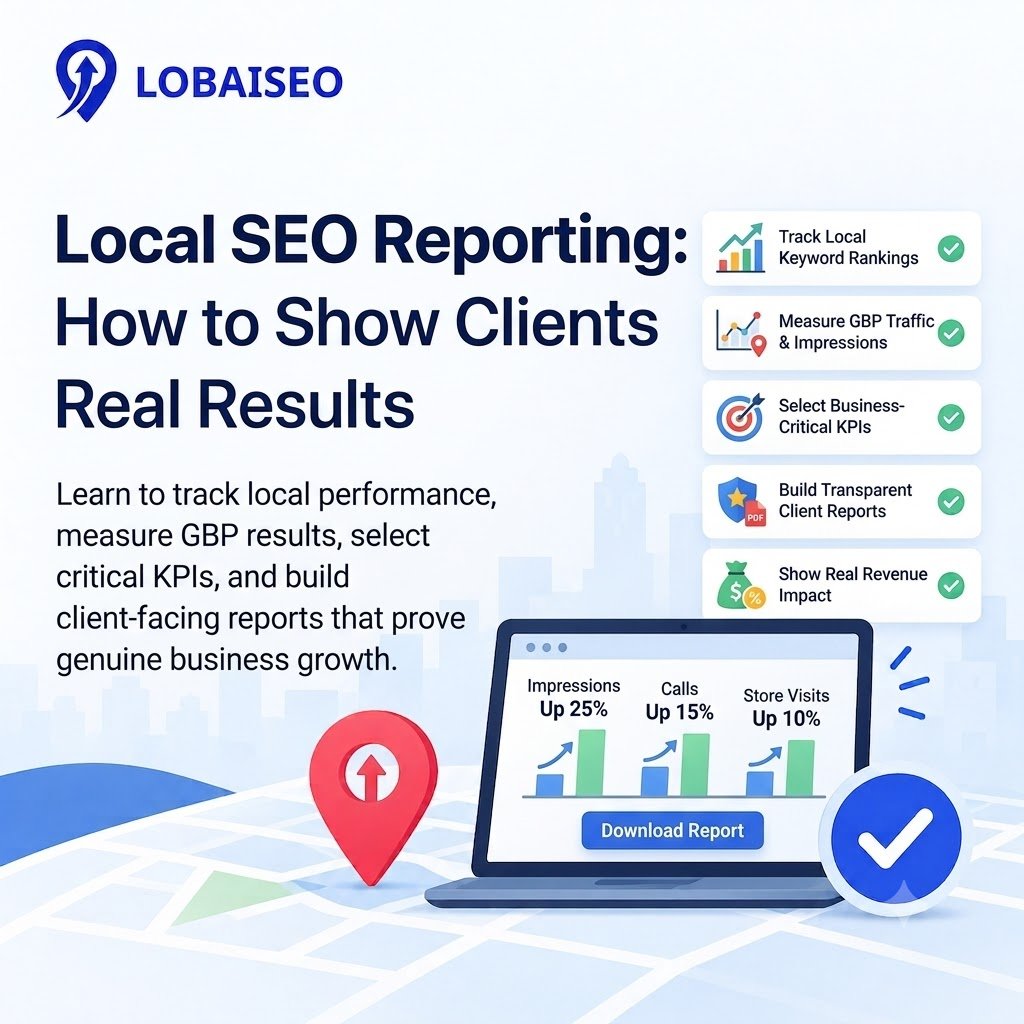
The right KPIs depend on business goals. For multi-location brands, track Google Business Profile views, calls, website clicks, direction requests, search visibility, and conversions. Google Business Profile Insights can show how customers discover and interact with listings, while Google Search Console adds website search data.
For example, a hotel may track website visits and booking enquiries, while an AC service company may focus on calls and leads. Build each local SEO report around these goals. Compare results with the previous month and the same period last year where possible. Separate branded from non-branded search traffic when the data allows. Record listing changes and campaigns so teams can explain performance shifts instead of reporting numbers without context.
How Can Agencies Automate Local SEO Reporting?
When you have dozens or hundreds of sites a team is managing, manual reporting falls apart. Agencies may automate local company SEO reporting by integrating Google Company Profile data, Google Search Console, and Google Analytics into a local SEO dashboard. Tools like Looker Studio help bring together website search performance and traffic statistics in a single view.
Start by creating a uniform report template, the standard name of each location, and a monthly update schedule. Compare branches and find dramatic declines and strong performers with location-level filtering. In bulk location operations at Lobaiseo, it is important to monitor consistently. Automation should decrease manual effort, not replace reviews of erroneous data or inexplicable changes.
FAQs
Local SEO monitoring tracks how a business’s listings rank in local search results and how customers engage with those listings and the business’s website. It measures visibility, calls, website visits, direction requests, leads, and other local search activity.
What should local SEO reporting measure?
It should track views, calls, website clicks, direction requests, local keyword exposure, organic traffic, and conversions on Google Business Profile. Select KPIs that align with corporate goals, and then evaluate performance across several locations and time frames to spot growth opportunities and areas that require attention.
How often should local SEO reporting be done?
Most firms do well to report each month. It displays the pattern without getting excited over what happens in one day. Multi-location brands should also track key listing changes and dramatic performance dips frequently, especially around campaigns or significant business upgrades.
What should a client’s local SEO report show?
A report for the customer should include: Key outcomes: Any changes since the last reporting period Location-level performance Leads or conversions What was done The clear explanations assist clients to see what improved, what decreased, and what are the future measures are planned.
Can local SEO reports be automated?
Yes. You may use tools like Looker Studio to pull data from Google Search Console and Google Analytics all together in one dashboard. Business profile data may need a compatible connection or standalone integration. Periodically review findings for missing data and to explain outliers.