
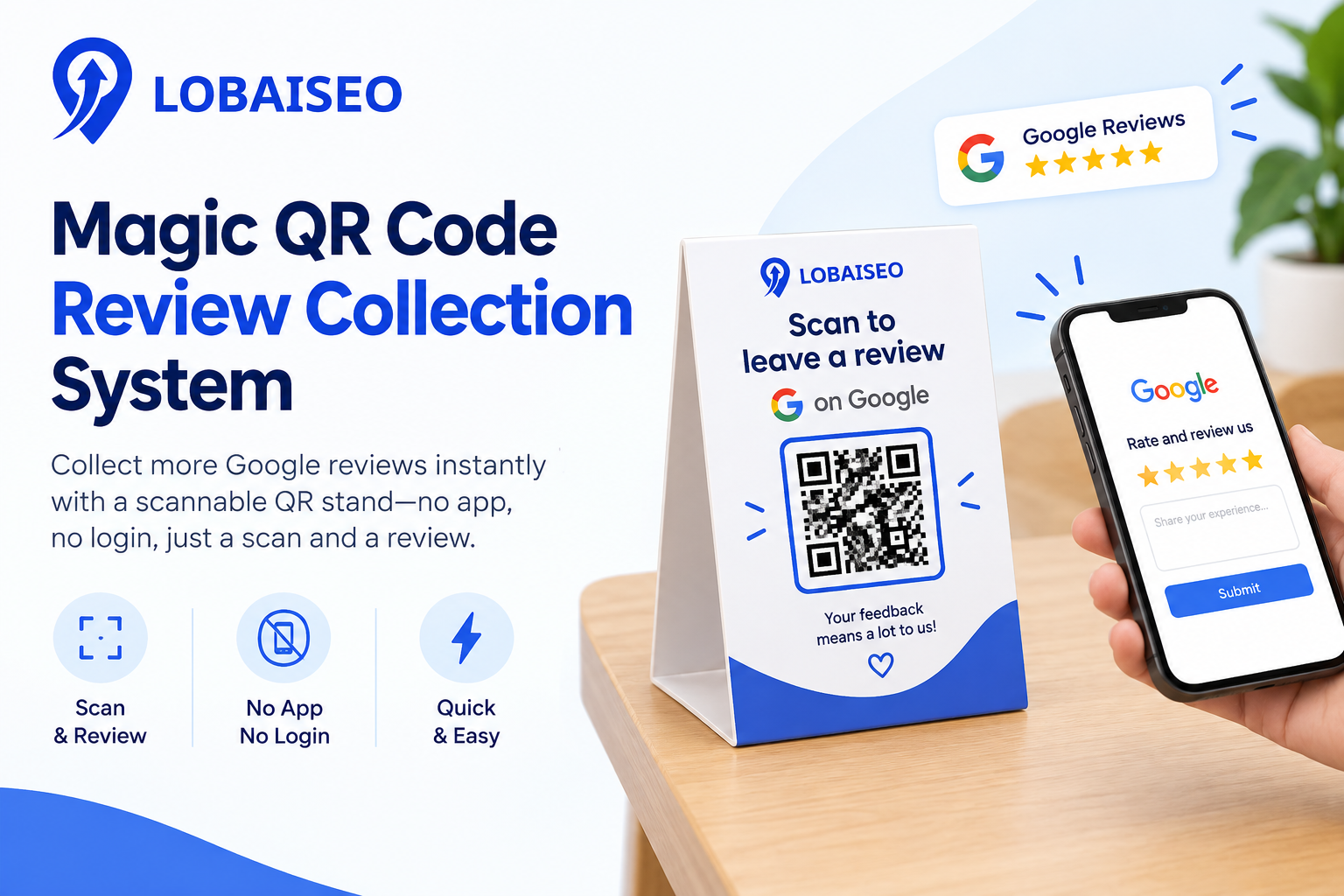
A QR code review collection system makes it easier for customers to reach your Google review page by scanning a code. Lobaiseo’s Magic QR helps businesses make review requests part of the customer experience without complicating the process.
How Does QR Code Review Collection Work?
QR code review collecting system brings the clients straight to the review collection procedure as soon as they scan the code. This is easy using Lobaiseo’s Magic QR, which invites reviews before sending customers to Google. This may work for retailers, hotels, clinics and service firms.
Why Do QR Codes Get More Reviews Than Asking Verbally?
QR codes make the review process easier because customers can scan them when they have a moment. Verbal requests can be forgotten after a visit. A simple QR code keeps the review link available at the right time. Lobaiseo uses Magic QR to help businesses add review requests naturally to the customer journey.
Where to Place Your Review QR Code In-Store?
Position your review QR code where people will naturally pause, e.g., the reception desk, billing counter, checkout area, or exit. The code should be easy to view and scan without personnel having to keep asking customers.
Lobaiseo’s Magic QR makes it easy for you to turn these regular client contacts into review opportunities.
Is QR Code Review Collection Against Google’s Policy?
No. Google QR codes allow companies to invite customers to write real evaluations. However, companies should not incentivize reviews, ask for only good reviews, or compel customers to give a certain rating or remark.
Lobaiseo is about making it easy to ask for real reviews.
FAQs
As a general rule, you can invite clients to leave a real Google review using a QR code. Google itself advises sharing a review link or QR code. Businesses should also comply with the relevant local laws and Google’s review rules.
How do I create a QR code for Google reviews?
Google Business Profile lets businesses create a review QR code from their profile. On a computer, open the profile, select Read reviews, then Get more reviews to access the QR code option. Lobaiseo’s Magic QR provides another simple way to use review QR codes.
Do QR code review requests actually increase review volume?
A QR code may make the review process easier by minimizing the number of steps for clients. Google’s suggestion: Use a QR code or review link to prompt your consumers to post reviews. Actual results vary depending on client experience, timing, and how the request is made.
Can I customize a QR code review stand for my business?
Yeah. A review QR code can be placed on a stand, card, counter display, receipt, or other customer-facing material. Lobaiseo’s Magic QR is meant to bring review requests into a corporate context while retaining the simplicity of the scanning procedure.
One thought on “Magic QR Code Review Collection System”