
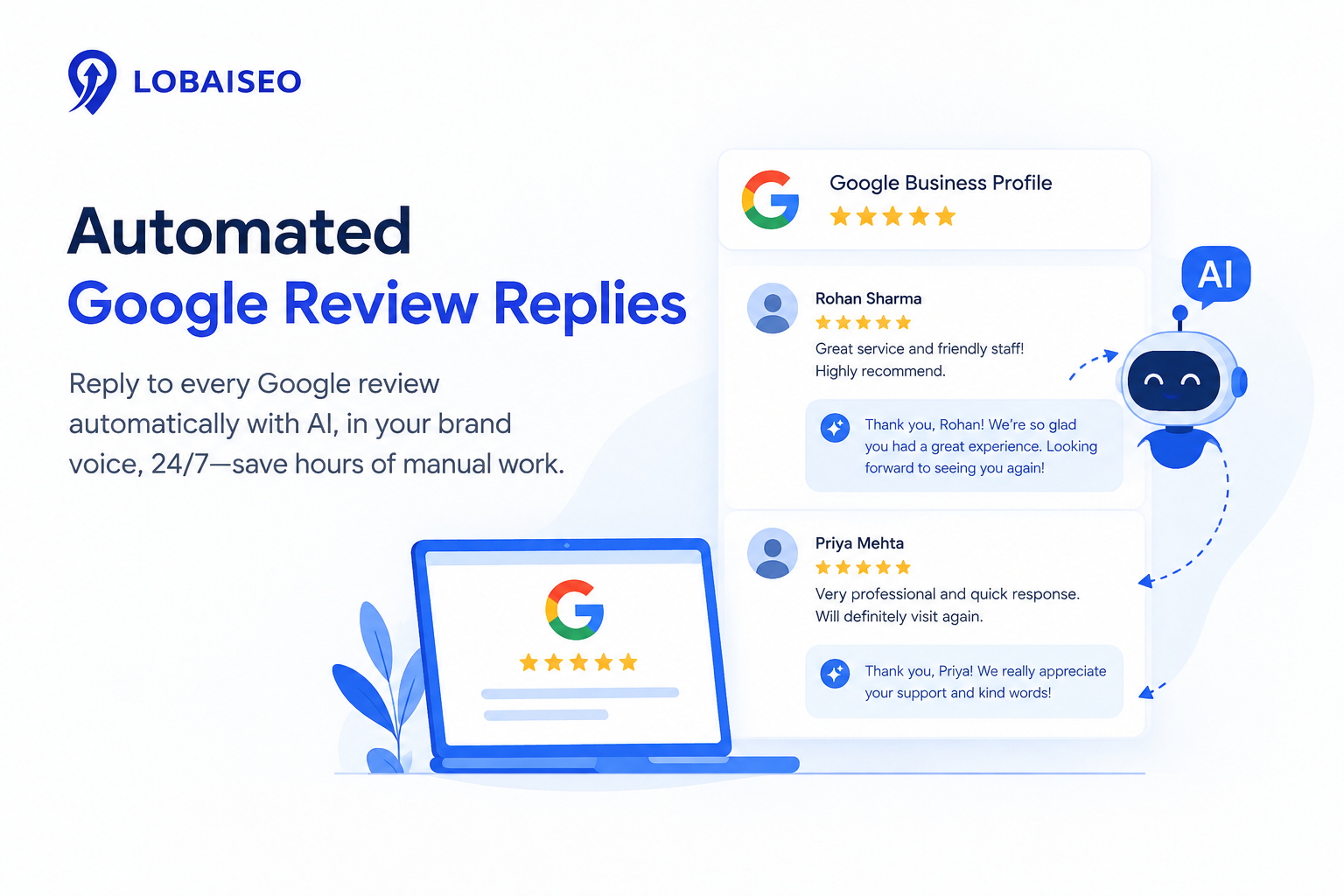
Automated Google review replies help businesses respond to customer feedback more consistently without drafting every message from scratch. At Lobaiseo, we see review automation as a practical way to organise incoming feedback, prepare relevant responses, and help teams manage customer communication across multiple Google Business Profiles.
Why You Should Reply to Every Google Review?
Replying to Google reviews shows customers that a business takes their feedback seriously. It also gives businesses an opportunity to thank satisfied customers, address complaints, and explain how they intend to resolve problems. These responses can influence how potential customers perceive a business when comparing local options. It also includes useful GBP recommendations that firms can apply every day in YouTube Shorts.
For businesses managing dozens or hundreds of locations, replying consistently can become difficult as review volumes grow. We recommend setting a clear process for monitoring feedback, responding to routine comments, and escalating complaints that need attention. The Lobaiseo YouTube channel also shares short videos about Google Business Profile management and local SEO practices.
How Does AI Review Reply Automation Work?
AI review reply automation uses the content of a customer review to prepare a relevant response. Depending on the tool, it may identify the main concern, recognise whether the feedback is positive or negative, and draft a reply that follows the business’s preferred tone. A team member can then check the wording, correct any errors, and approve the response before publication.
Google’s Business Profile API documentation confirms that software can create or update replies for verified business locations when the required permissions are in place. However, API support does not mean every review management product offers fully automatic AI publishing.
At Lobaiseo, we view this workflow as a way to reduce repetitive writing while keeping the response relevant to the actual review. For more Google Business Profile tips, visit the Lobaiseo YouTube Shorts channel.
Is It Safe to Automate Review Responses?
Automating review responses can save effort, but publishing a reply without checking its content can create problems. AI may misunderstand a complaint, include incorrect details, use an unsuitable tone, or promise a refund or solution that the business has not approved. Businesses should set clear rules for which replies can be published automatically and which require human review.
Google checks business replies against its content policies before they appear publicly. Its review management guidance explains how businesses can reply to reviews and what happens when a reply is not approved.
A practical approach is to use AI for routine drafting and require a manager to approve sensitive cases. Reviews involving personal information, billing disputes, safety concerns, legal threats, or serious allegations should be escalated to the appropriate team. We at Lobaiseo recommend testing the workflow on a limited set of locations before expanding it across a larger network.
Lobaiseo specializes in practical Google Business Profile management, including review management and frequent profile activity.
How to Handle Negative Reviews with AI Assistance?
Negative reviews need a thoughtful response, not a defensive argument. AI can help businesses write calmly, acknowledge the customer’s concern, and prepare a professional reply. However, it cannot confirm what happened simply by reading a review. Staff should check the facts before making commitments or describing a problem as resolved.
For example, if a customer complains about a delayed hotel check-in, a suitable reply could acknowledge the wait, apologise for the inconvenience, and invite the customer to contact the hotel privately to discuss the details. Avoid sharing booking information or personal details in a public response.
If a review appears fake or violates Google’s policies, use Google’s review management guidance to report it for assessment. An unfair or negative opinion alone does not necessarily violate the rules. Through a consistent Google Business Profile management process, teams can organise responses, identify recurring complaints, and direct serious issues to the right people.
FAQs
Yes, commenting to Google reviews allows businesses to recognize comments from consumers. Businesses can praise positive reviews and respond helpfully to unpleasant reviews. Lobaiseo makes it simple for companies to manage their reviews by helping them be consistent with their Google Business Profile activities.
Can AI reply to Google reviews automatically?
Yes, AI is able to assist in generating and automating responses to Google reviews depending on the review content. Businesses should still examine answers as needed.” Lobaiseo offers solutions to manage activity in Google Business Profile, including customer reviews and answers.
How do I respond to a fake or unfair Google review?
Do not engage in a discussion with a reviewer about a fraudulent or unjust Google review. If a review breaches Google’s regulations, report it to Google, and make any public reaction short and professional. Lobaiseo is a tool for businesses to handle reviews and keep their Google Business Profile.
Does replying to reviews improve local SEO ranking?
Responding to reviews is part of managing an active Google Business Profile, but it’s not guaranteed to be a local ranking element. Lobaiseo helps companies keep their reviews and other profile actions consistent to help them maintain a healthy business profile.



4 thoughts on “Automated Google Review Replies”