You have 638 stores across 11 countries. Each one has a Google Business Profile. Someone changes the phone number. A dealer posts the wrong holiday hours. A franchisee responds to a one-star review with an outraged paragraph that makes headlines. We have seen such incidents happen. It is not a technology problem. It is a visibility and control problem. Review management software for Google solves it when you know which features actually matter.
Which Features Should Review Management Software Include?
Google review management software must do four things well: monitor, respond, generate, and analyze.
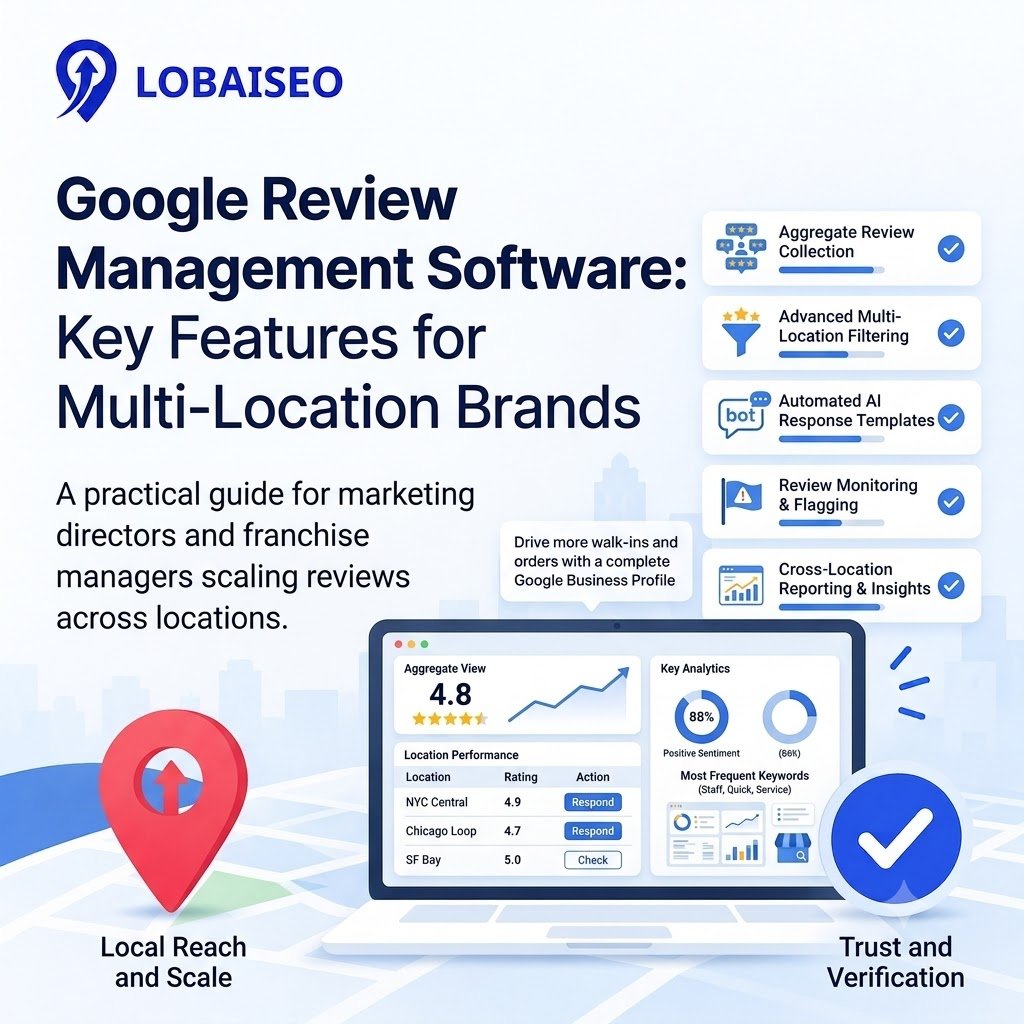
Monitoring matters because you cannot fix what you cannot see. Enterprise systems centralize reviews from every location into one dashboard. You spot a pattern across 20 stores before it becomes a brand crisis.
Response features must support automated Google review replies at scale. Human-only responses break at volume. The best systems draft replies with AI, then let your team approve or edit before publishing. One UK retailer handled 8,430 reviews in 12 months this way, lifting its average rating from 4.15 to 4.4.
Review generation should trigger from actual customer interactions—a POS transaction, a service completion, or a delivery. Systems that pull from CRM or booking data send requests at the right moment, not on a random schedule. If you want to understand how to get more Google reviews without annoying customers, the timing of the ask matters more than the wording of the message.
Finally, look for insight tools. Reviews contain operational feedback. A review monitoring software that tags common complaints across locations gives you ammunition to fix root causes, not just apologize publicly. We at Lobaiseo have found this distinction separates tools that look good in a demo from systems that hold up across 200 dealer locations.
Watch a short video walkthrough on setting up review workflows: Lobaiseo YouTube Shorts.
When Does Review Software Become Useful for Agencies?
It becomes useful the moment manual work stops scaling.
An agency managing 15 client profiles can survive on Google’s native tools. At 50 profiles, the cracks appear. At 127 profiles—the average across agencies we work with—manual review management software workflows collapse. Someone forgets a login. A negative review sits unanswered for a week. The client notices before the agency does.
The tipping point usually arrives in three forms: when clients start asking for white-label reports, when response time becomes a contractual SLA, or when one account manager cannot reasonably track every review thread across every location.
Online reputation software built for agencies solves this through centralized dashboards with client-level permissions. You assign team members. You set response templates. You pull reports without exporting spreadsheets. The work shifts from reactive firefighting to proactive management.
Here is the practical test: if a junior team member can respond to a negative review across 30 locations in under 20 minutes without asking for login credentials, your software is doing its job. If not, you are paying for features you are not actually using.
One operational takeaway from managing bulk locations: the agencies that scale cleanly are not the ones with the most features. They are the ones that standardized response workflows before adding clients. Software enables that standardization. It does not create it.
FAQs
A solution to manage, reply to, and analyze Google Business Profile reviews for numerous locations. It collects comments, automates answers, and highlights trends you’d miss by manually sifting through every profile.
What should review management software automate?
Create review requests, write responses, analyze sentiment, and report on performance. The finest technologies can manage repetitious labor, yet maintain human approval in the loop for delicate circumstances.
Can review software monitor multiple locations?
Yes. Enterprise-grade review monitoring software pulls reviews from hundreds or thousands of profiles into one dashboard. You see every location side by side, with filters for rating, response status, and escalation needs.
Can AI help with review management?
AI drafts responses, detects sentiment, and flags reviews needing human attention. It does not replace judgment. Use it to speed up responses while keeping brand voice and escalation rules under your control.
Is review management software worth it?
For multi-location brands, yes. The cost of one unanswered negative review compounding across locations outweighs the software investment. Measure it against response time, rating trends, and staff hours saved.