
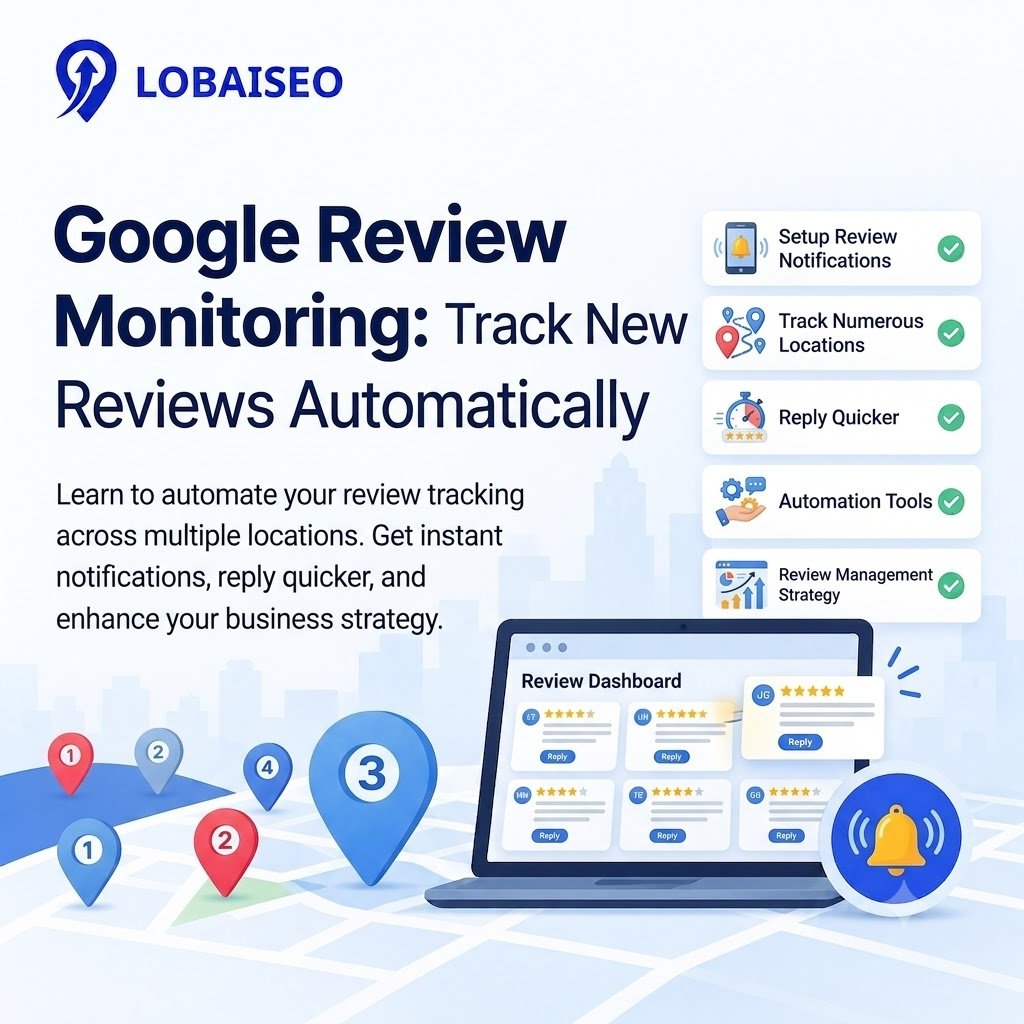
With hundreds of Google Business Profiles, a firm may easily miss fresh reviews. A hotel may not get guest comments, a dealer may miss a complaint, and a local service staff member may reply days too late. Effective Google review monitoring makes sure that each location is held responsible and helps teams respond before tiny issues arise.
We see review monitoring as integral to the continuous local search management at Lobaiseo. The idea is simple: find new reviews, flag critical criticism, designate ownership, and monitor answers across sites without having to go into each profile manually.
How Should Businesses Monitor New Google Reviews?
Effective Google review monitoring starts with one shared process for every location. For simple alerts, use Google Business Profile notifications, or go for Google Review Management software that consolidates reviews from various profiles into a single dashboard. Before assigning a response, evaluate the reviewer’s comment, star rating, location, and date.
For example, a hotel company could send concerns regarding cleanliness of rooms to the property manager but send billing difficulties to the billing staff. Establish firm timeframes for responses and examine outstanding cases on a daily basis. Measuring average ratings?
Also measure complaints that happen again and again. Also consider tying review trends to Google review-generating initiatives, urging consumers for honest feedback without incentives.
To know how you can get more Google reviews, read it out: https://blog.lobaiseo.com/how-to-get-more-google-reviews-for-your-business/
What Should an Automated Review Alert System Track?
A useful alert system should track more than new reviews. Configure alerts for poor ratings, unaddressed comments, significant changes in review volume, and recurring concerns about the same problem. Your GBP review monitoring procedure should consist of the specific branch, review date, rating, and response status.
For example, repeated complaints about slow repairs at one dealer can indicate a local service problem and not a brand-wide issue. Set up various escalation procedures for ordinary feedback and urgent concerns.
A good Google review tracking software configuration should also track response times and overdue reviews. This gives marketing teams visibility into reputation issues across the network.
FAQs
Google review monitoring is the process of tracking new reviews, ratings, and comments from consumers on Google Business profiles. It lets businesses uncover complaints, respond to clients, assess satisfaction, and defend their online reputation across one or numerous locations.
How can I get alerts for new Google reviews?
Enable available Google Business Profile notifications and check your notification settings. For multiple locations, use review alerts through a suitable monitoring platform. You can also explore Google’s Business Profile API documentation for programmatic review tracking.
Why should businesses monitor reviews?
Monitoring routine customer reviews helps firms spot concerns early, learn what customers require, and find reoccurring service problems. It also offers reputation monitoring, revealing how customer experiences evolve over time at branches, dealers, and service regions.
Can Google review monitoring be automated?
Yes. Businesses may automate new review alerts, centralize input, and apply automatic Google review answers when enabled. Complaints should still be reviewed for accuracy and tone. Automation should not substitute human discretion when a consumer wants human attention.
Can agencies monitor reviews for multiple clients?
Yes. Google review management software helps agencies manage client profiles, track incoming reviews, assign answers, and track performance all in one spot. Having defined procedures on the client level and access rights prevents reviews from being sent to the incorrect team.


One thought on “Google Review Monitoring: How to Track New Reviews Automatically”