Wrong opening time on one Google listing might direct clients to a closed shop. For hotel companies and dealer networks, one error at several sites might mean lost visitors and complaints for franchise brands.
At Lobaiseo, we treat accurate Google Business Profile opening hours as a key part of local search management.
How Should Businesses Handle Special and Holiday Hours?
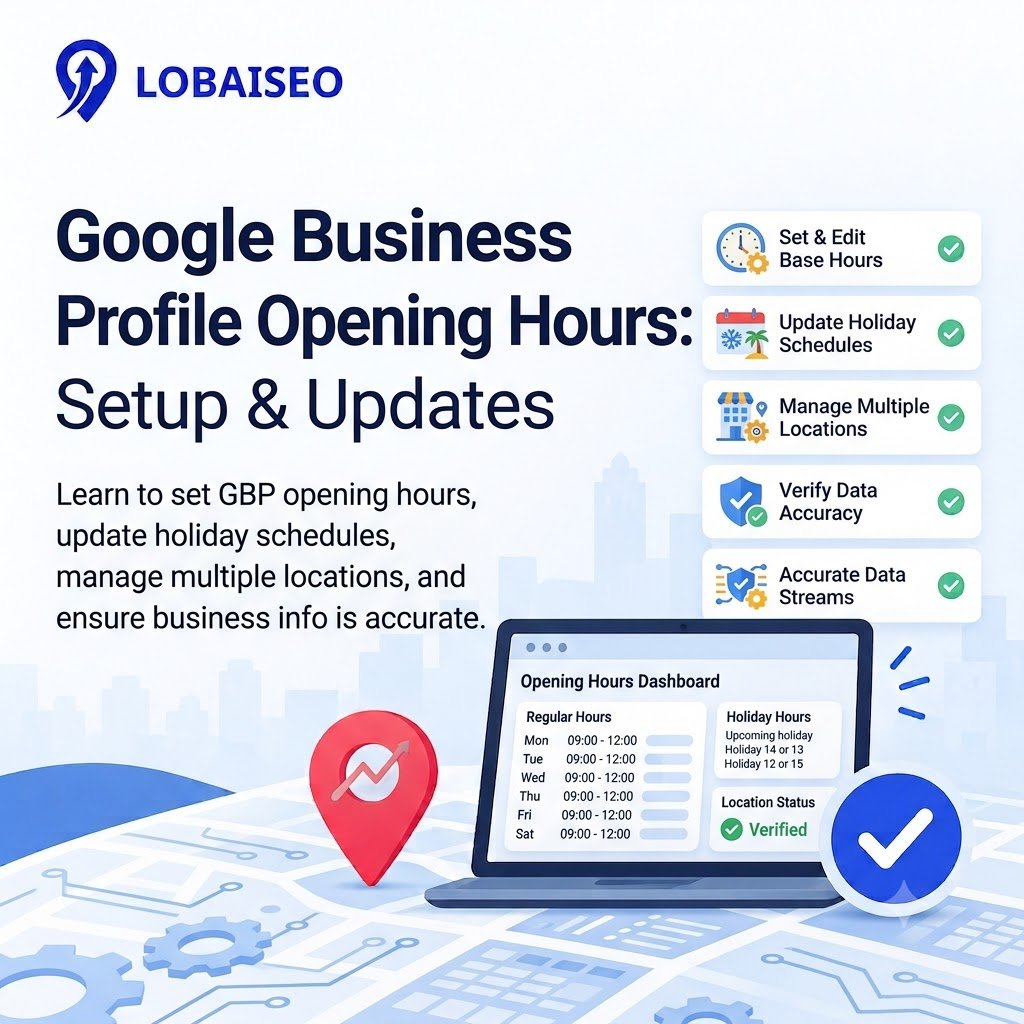
Special hours indicate when a company will be open or closed beyond its usual hours. They are helpful for public holidays, festivals, and temporary adjustments. If you want to amend them, visit your business profile in Google Search or Maps, click “Adjust Profile,” then “Hours,” and adjust special hours. Add the date, input the timings, or mark the place as closed. If you have several branches, keep a common holiday calendar and cross-check timings with each branch manager before posting. Google also has special-hour updates supported by bulk spreadsheets. Follow its official special hours guide and check each profile after the update.
Why Are Accurate GBP Hours Important for Local Customers?
People use Google Search and Maps to find out when to visit or call a business. They might lose time, miss appointments, and ruin trust due to wrong timings. Accurate GBP hours help maintain their information online and in accordance with genuine operation schedules, which is a key aspect of business hours SEO. The right hours aren’t enough to improve ranks. Google also looks at relevancy, distance, and popularity. Also, check profile timings against shop records and website facts during a GBP checklist review. Also check the Google Business Profile attributes and the Google Business Profile service area if applicable so clients get the correct details about the location and the services it offers.
For more practical tips on Google Business Profile management and local SEO, explore the Lobaiseo YouTube Shorts channel.
FAQs
Open your business profile on Google Search or Maps. Select Edit profile, then Hours. Update the days and times, then save. Check the live listing afterward to confirm the information is correct. See Google’s official instructions.
What Are Special Hours on GBP?
Special hours display temporary alterations to a business’s normal hours, such as holiday hours, special events, or short-term closings. They allow companies to adjust some dates without altering their usual weekly hours. Read Google’s special hours guidance.
Can Incorrect Hours Hurt a Local Business?
Yes. Wrong times can annoy consumers, lead to wasted trips, and erode confidence. It doesn’t automatically penalize your ranking, but keeping your company information current is vital for customer experience and local search exposure.
How Often Should Business Hours Be Checked?
Check operating hours weekly and before major holidays, season changes, or special events. Multi-location brands should also verify the following schedule modifications, relocations, or franchise adjustments to make sure each profile represents the real hours of operation.
Can GBP Hours Be Updated in Bulk?
Google does allow you to upload a bulk spreadsheet to specific business profile sections, including special hours. Template fields are dependent on the workflow; thus, verify the current template before upload. Review upload problems to validate that the changes you want to make were implemented. Use unique shop codes. See Google’s bulk upload guide.