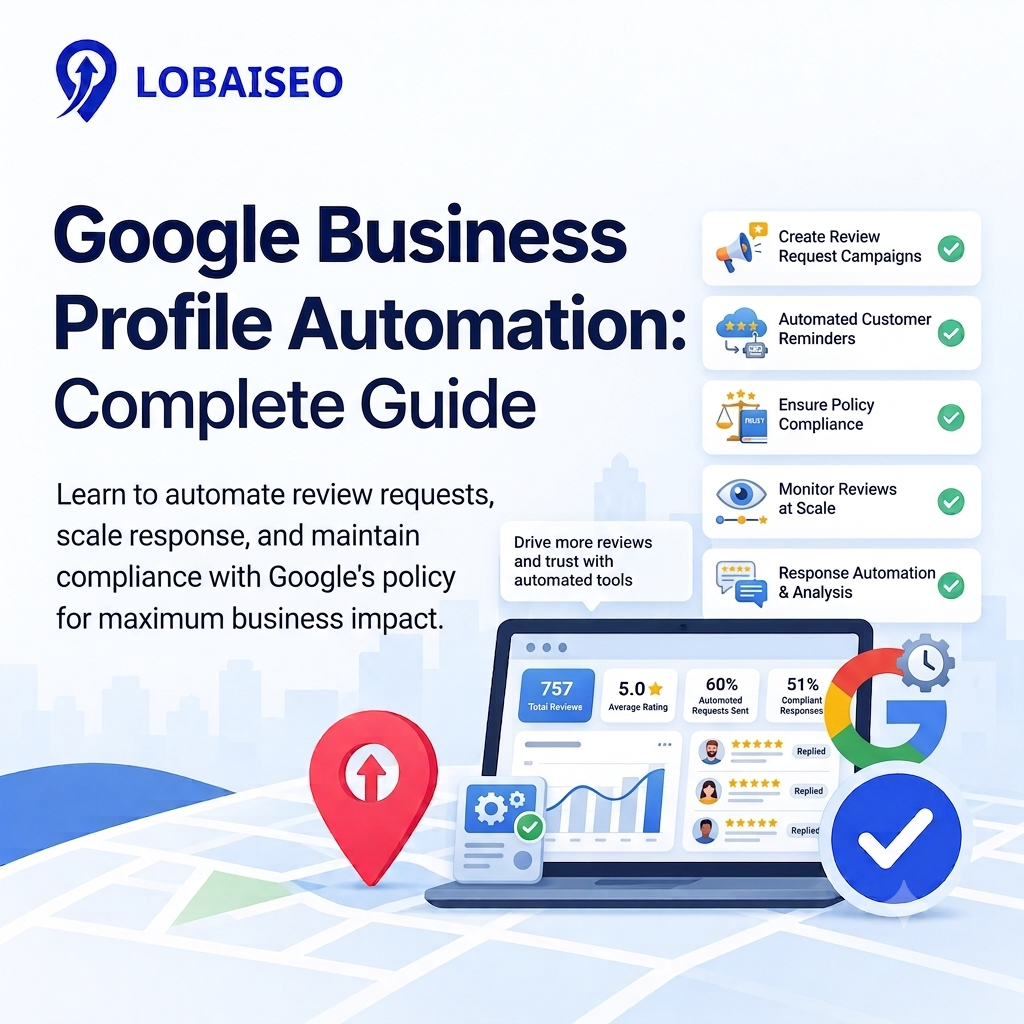
For multi-location brands, reviews become difficult to manage when hundreds of locations receive feedback every day. Google Business Profile review automation can organize requests, replies, and follow-ups, but it cannot replace human judgment. At Lobaiseo, we treat automation as a controlled workflow, not a shortcut.
What Review Automation Can and Can’t Do
GBP review automation may send review requests after a customer encounter, sort incoming reviews, identify bad feedback, and expedite your responses. This is especially handy for hotels, dealer networks, villas, or service organizations that are getting ratings across many locations.
It cannot create genuine reviews, guarantee positive ratings, or safely send the same response to every customer. Google allows businesses to request genuine reviews but prohibits incentives, fake engagement, and selectively asking only for positive feedback.
A practical workflow is simple: connect each location, define the customer event that triggers the request, monitor incoming reviews, and then route sensitive complaints to a person. Our Lobaiseo experience across bulk GBP operations shows that clear rules matter more than simply increasing automation.
Setting Up Automated Review Requests
The goal of automated review requests is to make asking for genuine feedback consistent. Start with the customer journey rather than the software. For a hotel, the trigger could be checkout. For an AC company, it could be after the service is completed.
Send the request through an approved customer channel and give the customer a direct review link or QR code. Google officially supports review links and QR codes for requesting reviews, including use in receipts, emails, chats, and physical locations.
For example, a 200-location dealer network can use one workflow while keeping each location connected to its own Business Profile. Track delivery, response rate, and review volume by location. A Google review magic QR code can also make in-person requests easier, provided the review remains voluntary and genuine.
For a practical visual example, you can also link this section to the relevant Lobaiseo YouTube Shorts covering Google Business Profile reviews.
Automated vs Templated vs AI-Personalized Replies
Review management automation works best when replies are divided by risk. Simple positive reviews can use approved templates. Reviews mentioning complaints, refunds, safety issues, or serious service problems should go to a human before publishing.
An AI review reply tool can create a first draft using details from the customer’s review. The important part is review and approval, not blindly publishing every generated response. A hotel might reply differently to a room complaint than to a simple five-star comment about its location.
A useful workflow is to classify reviews first, create a response, check the location and facts, then publish. Google confirms that verified businesses can reply to customer reviews, while managers can also respond to reviews when they have the appropriate profile access.
The same principle applies across franchise locations: automate repetitive work, but keep escalation rules for reviews that could affect customer relationships.
Staying Within Google’s Review Policy
Automation itself is not the main policy concern. The real issue is whether the process creates genuine customer feedback or attempts to manipulate it. Google prohibits paid or incentivized reviews, fake engagement, and selectively asking customers for positive reviews. Businesses also should not pressure customers to include specific wording or ratings.
A safe Google review strategy sends the same basic opportunity to provide feedback without controlling what customers say. Do not offer discounts for reviews. Do not ask only satisfied customers. Do not create reviews internally. Do not automatically report every negative review simply because it is negative.
Rather, ask for honest criticism, watch the answers and only report reviews that genuinely break Google’s policy. Google says companies may flag reviews that are against its policies, but disagreeing with a review doesn’t mean a business has the right to get it removed.
FAQs
Review automation uses software and workflows to request genuine customer reviews, monitor incoming feedback, and organize replies across one or many Google Business Profiles.
Is automating review requests against Google’s policy?
No. Google allows businesses to solicit real reviews. However, there are some things that are not allowed such as incentives, fraudulent reviews, asking for just good reviews and attempts to restrict what is said in reviews.
Can review automation help small businesses save time?
Yes. You may use automated requests and reply procedures to cut down on repeated effort. They enable small firms to keep a regular review regimen without having to contact each and every consumer personally.
How personalized should an automated review reply be?
It should be an authentic reflection of the consumer response, not a generic remark. Basic evaluations can use templates, while complaints and exceptional cases need a researched and tailored answer.