
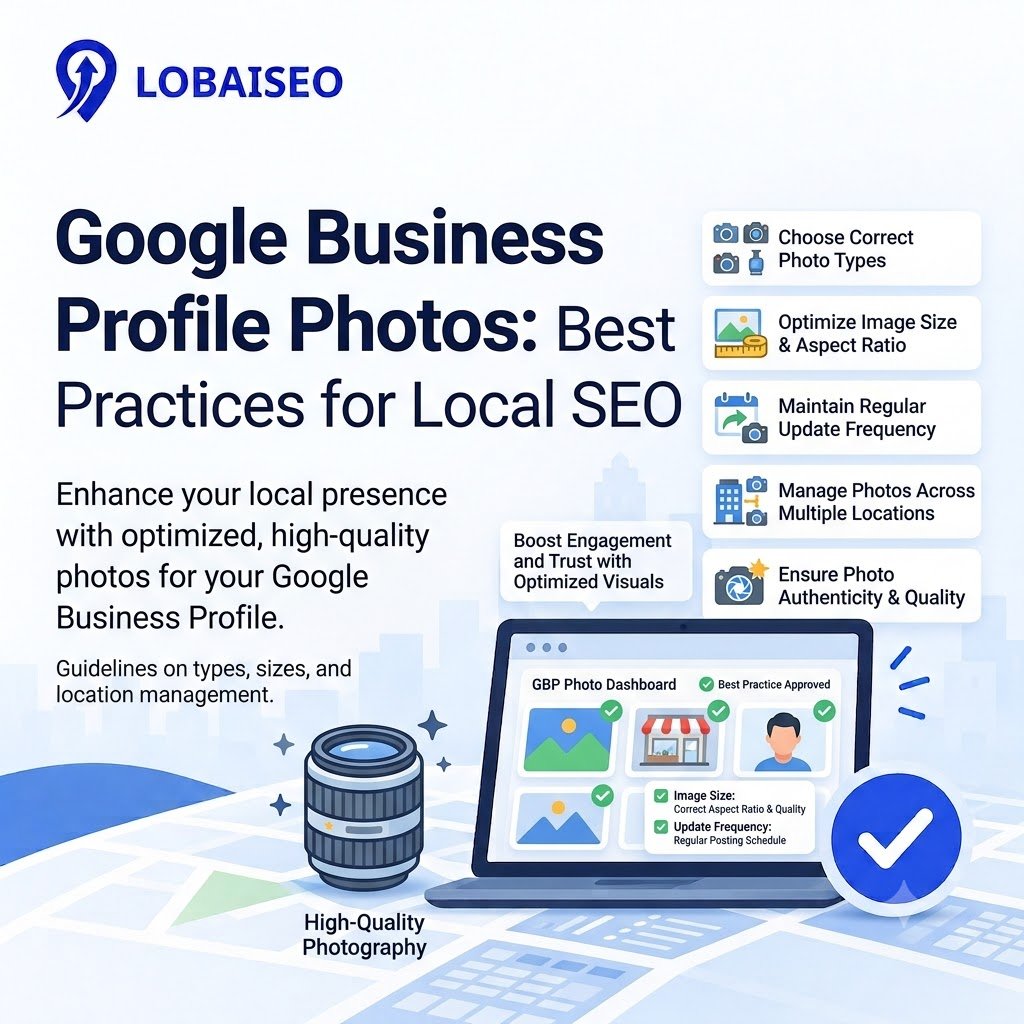
It may be a challenge for organizations with hundreds of locations to keep their Google Business Profile images accurate and consistent. For example, one branch may have an old showroom image, another can have outdated hotel images, and a dealer may upload images that don’t match the brand. These discrepancies might mislead clients before they even go.
At Lobaiseo, we consider photo management as part of keeping our local listings accurate. A clear photo policy, frequent checks, and location-specific photographs assist clients in understanding what each branch has to offer. And marketing teams have a real-world means to manage visual material across a vast network.
What Types of Photos Should Businesses Add to GBP?
The best Google Business Profile images show customers what a business looks like and what it offers. Add exterior photos, interiors, products, staff, and examples of completed work. Hotels can show actual rooms and facilities, while AC service companies can display technicians at work. Retailers can also use Google Business Profile products to showcase eligible in-store items.
Google suggests that photos be crisp and well-lit and show the actual company. Use a GBP checklist to ensure each profile contains relevant, location-specific photographs for multi-location companies. If the premises, goods, or services are different, don’t post the same photographs to all branches. These local SEO photos provide clients important information before they come in and help ensure a consistent brand experience.
How Often Should GBP Photos Be Updated?
Google does not compel companies to upload fresh photographs on a timetable. Update pictures when a branch changes décor, expands services, renovates facilities, or offers new items. Hotels should refresh photographs that no longer represent the room or facility. Dealers should check showroom photos each time displays are changed.
For bigger networks, examine business profile photos each month and schedule upgrades based on the individual location’s needs. Where appropriate, use Google Business Profile automation to organize recurring chores, but review every image for correctness before publishing. At Lobaiseo, we advocate recording lost, obsolete, and rejected images in a shared database at the location level. This helps marketing teams to identify gaps and maintain correct listings across the network.
Check out our YouTube channel for more information: https://www.youtube.com/@Lobaiseo/shorts
Frequently Asked Questions
Google does not set one universal target for the total number of photos. Start with useful exterior, interior, product, service, and team photos where relevant. Google suggests using at least 3 photographs for numerous categories like exteriors, interiors, and team shots.
What Photos Should I Upload to GBP?
Upload real, clear images of your storefront, interiors, products, personnel, facilities, and services. Hotels should exhibit real rooms and facilities. Service firms may show their staff and what they have done. Select pictures that appropriately portray each place.
Do GBP Photos Help Local Rankings?
Google says that pictures enable clients to understand your business and can make your profile more valuable, but the number of photos is not a direct local ranking consideration. Local results are mostly based on relevance, distance, and prominence. Make sure your profile is comprehensive and correct.
How Often Should I Add New GBP Photos?
There’s no required upload schedule. Check images periodically and add fresh photos if your location, goods, services, or facilities change. If you have more than one location for your business, use a common timetable and check each profile for missing or outdated pictures.
What Size Should Google Business Profile Photos Be?
Google suggests JPG or PNG files that are between 10 KB and 5 MB. The desired resolution is 720 x 720 pixels (minimum 250 x 250 pixels). Take crisp, well-lit photos that aren’t too filtered or doctored.
One thought on “Google Business Profile Photos: Best Practices for Local Visibility”